This article is about the customer app.
Read the Terms and the Privacy Policy
Where to find the Terms & Conditions and the Privacy Policy in the app.
Checked against the app on 2026-11-12.
The Terms & Conditions and the Privacy Policy are inside the app.
Steps
- Open the Account tab and tap “Terms & Privacy”.
- Tap “Privacy Policy” to read how BOOKniNAM collects, uses and protects your data.
- Tap “Terms & Conditions” to read the rules for using BOOKniNAM.
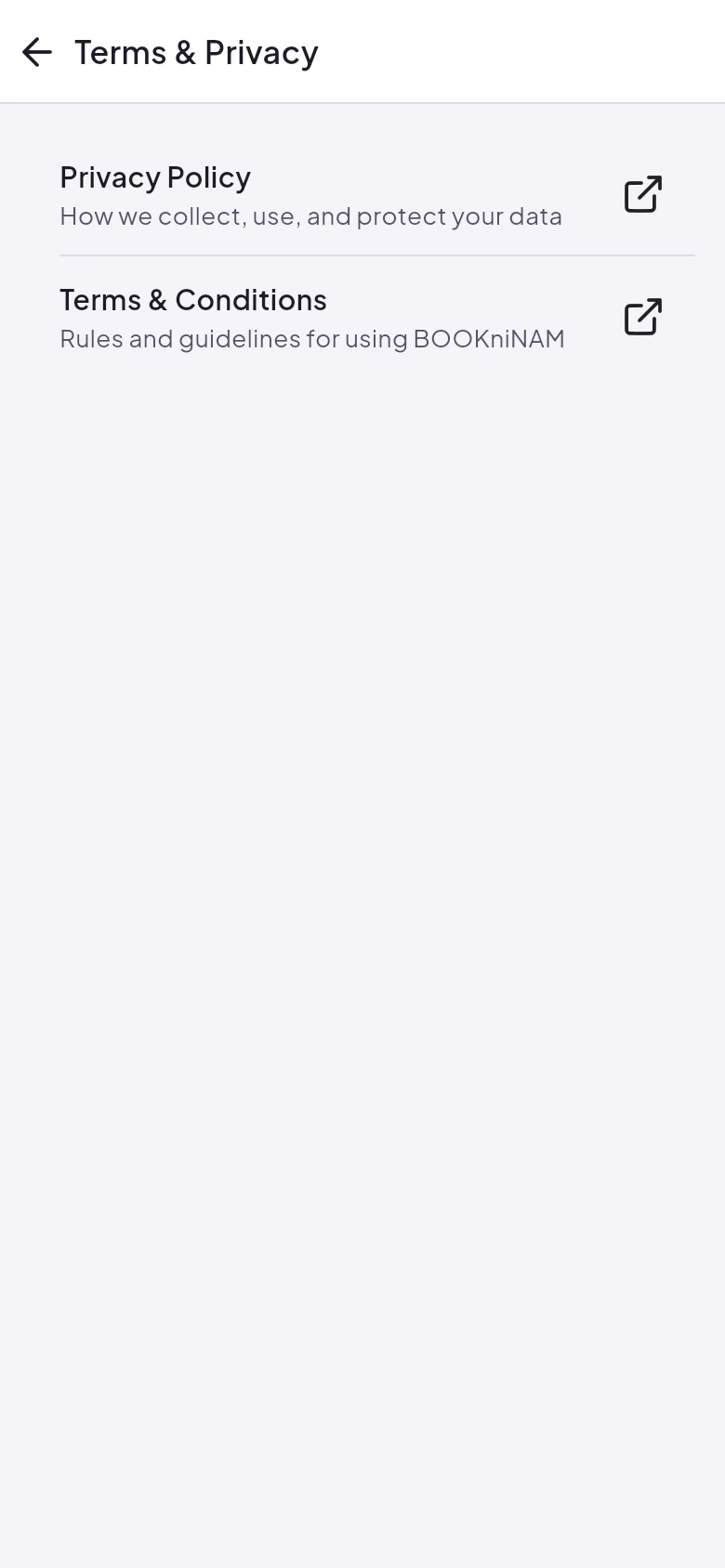
The pages open inside the app.
When you sign up
When you create an account, you must read both pages to the end before you can agree. See Create your BOOKniNAM account.