This article is about the customer app.
Notifications and reminders
Where booking updates and reminders show up, and when reminders are sent.
Checked against the app on 2026-11-12.
BOOKniNAM tells you about your bookings in the app. It sends reminders before an approved booking.
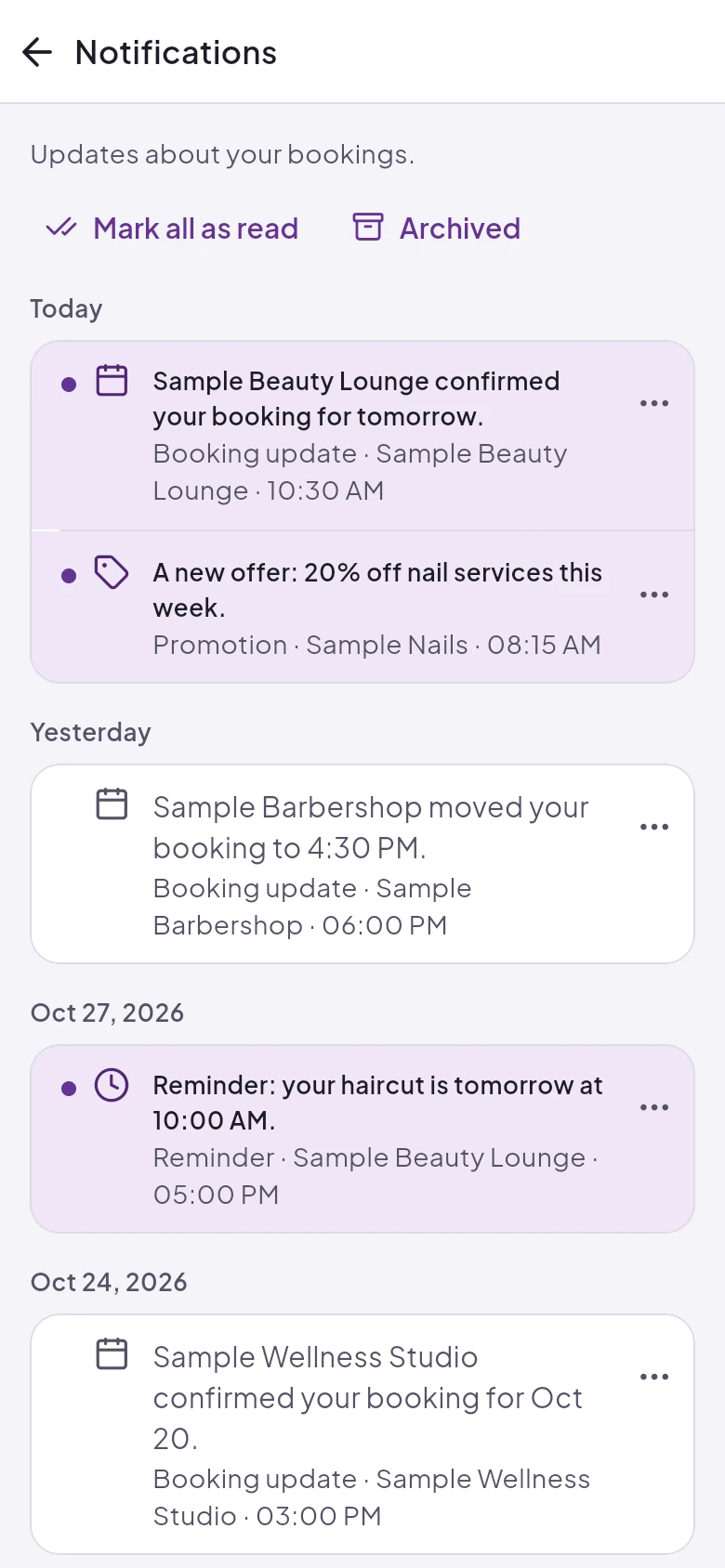
Where to find notifications
- Go to Account and open “Notifications”.
- Tap a notification about a booking to open that booking.
- Tap “Mark all as read” to clear the unread marks.
- To tidy one notification, open its menu. You can mark it as read or unread, or “Archive” it. Tap “Archived” at the top to see archived ones. There you can use “Move back to inbox”.
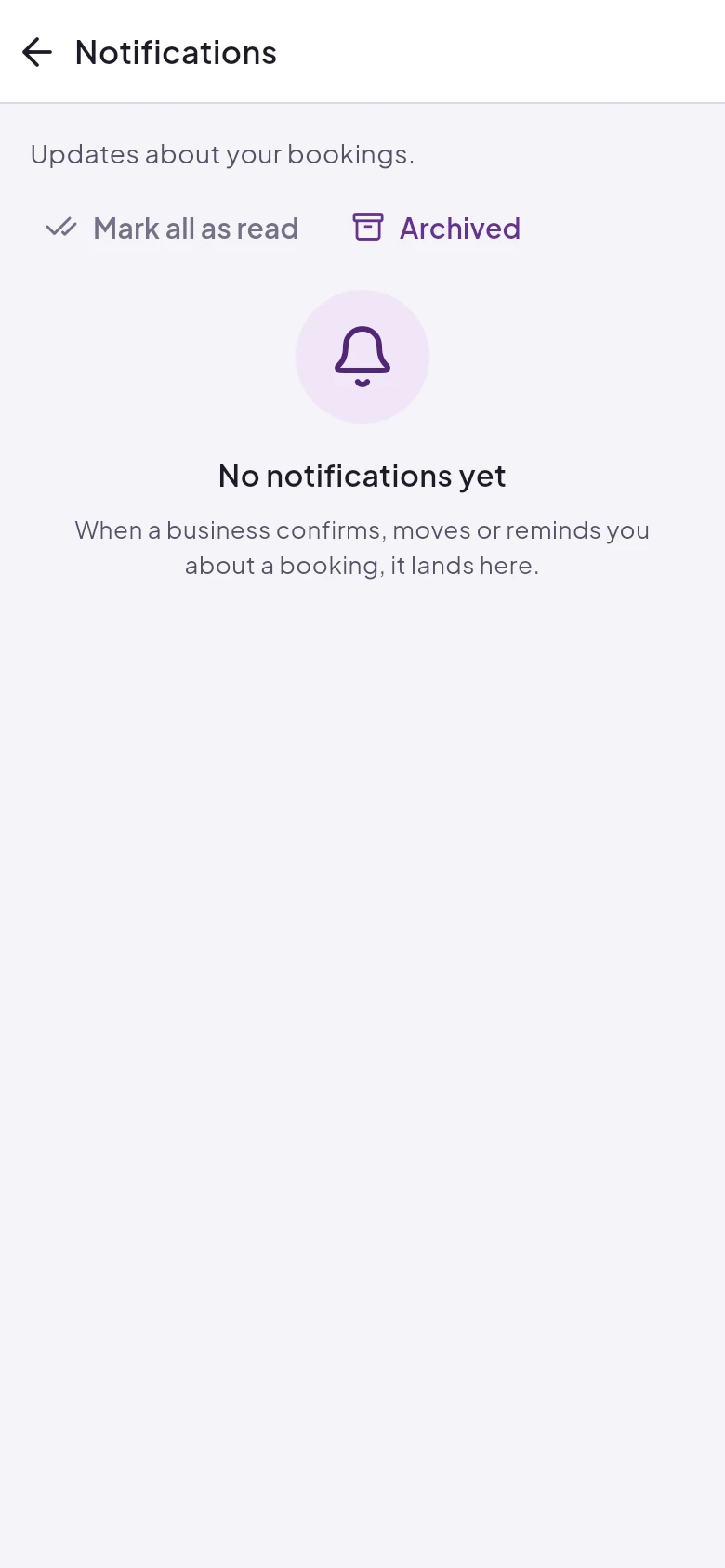
When there is nothing yet, the list says that when a business confirms, moves or reminds you about a booking, it lands here.
When are reminders sent?
For a booking the business has accepted, the system sends two reminders:
- 24 hours before the start.
- 1 hour before the start.
Each reminder arrives as a notification in the app and as a push message on your phone. If a push message cannot reach your phone, you get the reminder by email instead. The system does not send text messages.
A reminder that is too late is not sent. For example, a 1 hour reminder is still sent up to 20 minutes late, but not after that, because it would be wrong.
Common problems
- I got no reminder. Reminders are only sent for accepted bookings. A booking that is still waiting for the business gets none. Also check that notifications are allowed for the app in your phone settings.