This article is about the customer app.
Change your details and your password
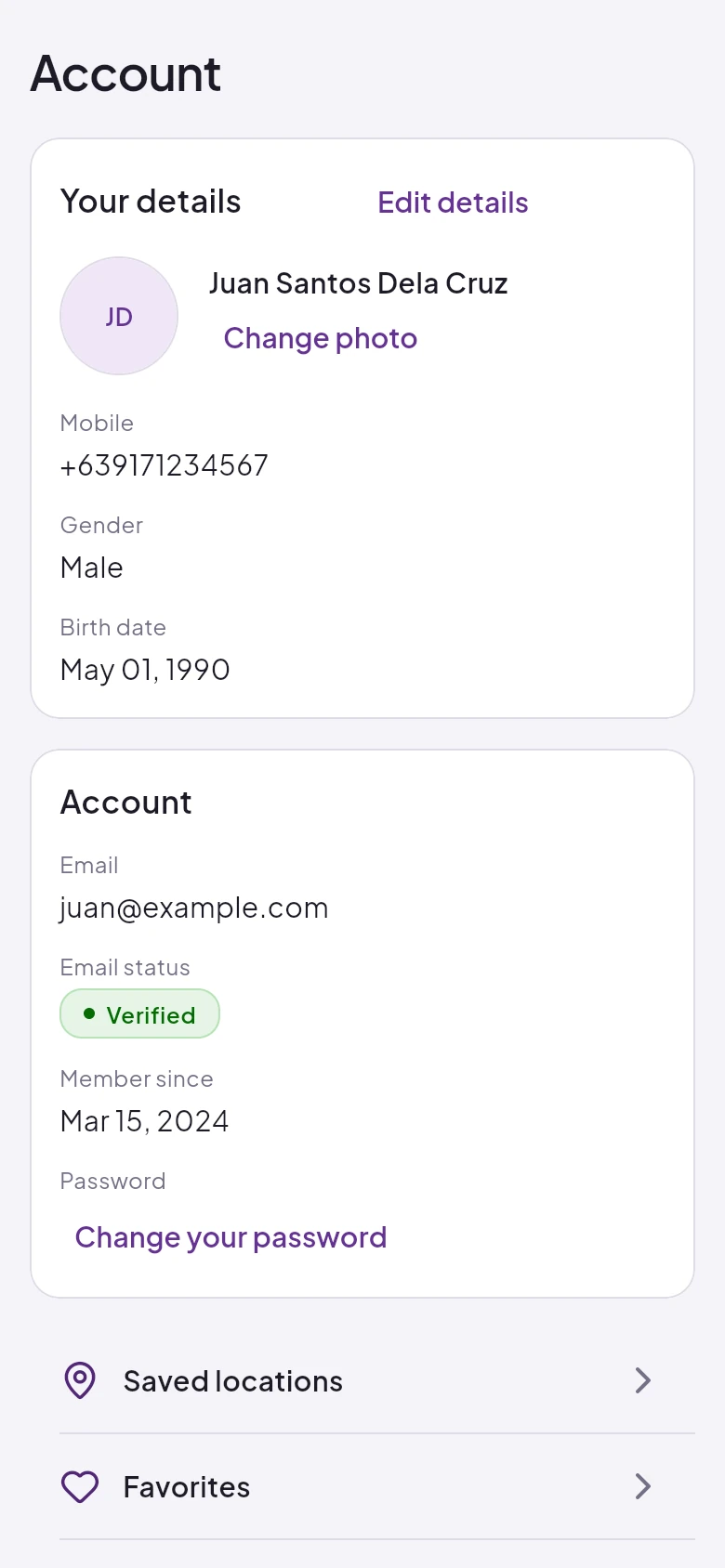
Edit your name and mobile number, and reset your password from the Account tab.
Checked against the app on 2026-11-12.
Your details are what businesses see when you book with them.
Change your name or number
- Open the Account tab and tap “Edit details”.
- Change your “First name” or “Last name”. Each needs 2 to 50 characters. Use letters, spaces, hyphens and apostrophes.
- A mobile number is optional. It should be a Philippine number, so a business can reach you about a booking.
- Tap “Save details”. Tap “Cancel” to close without saving.
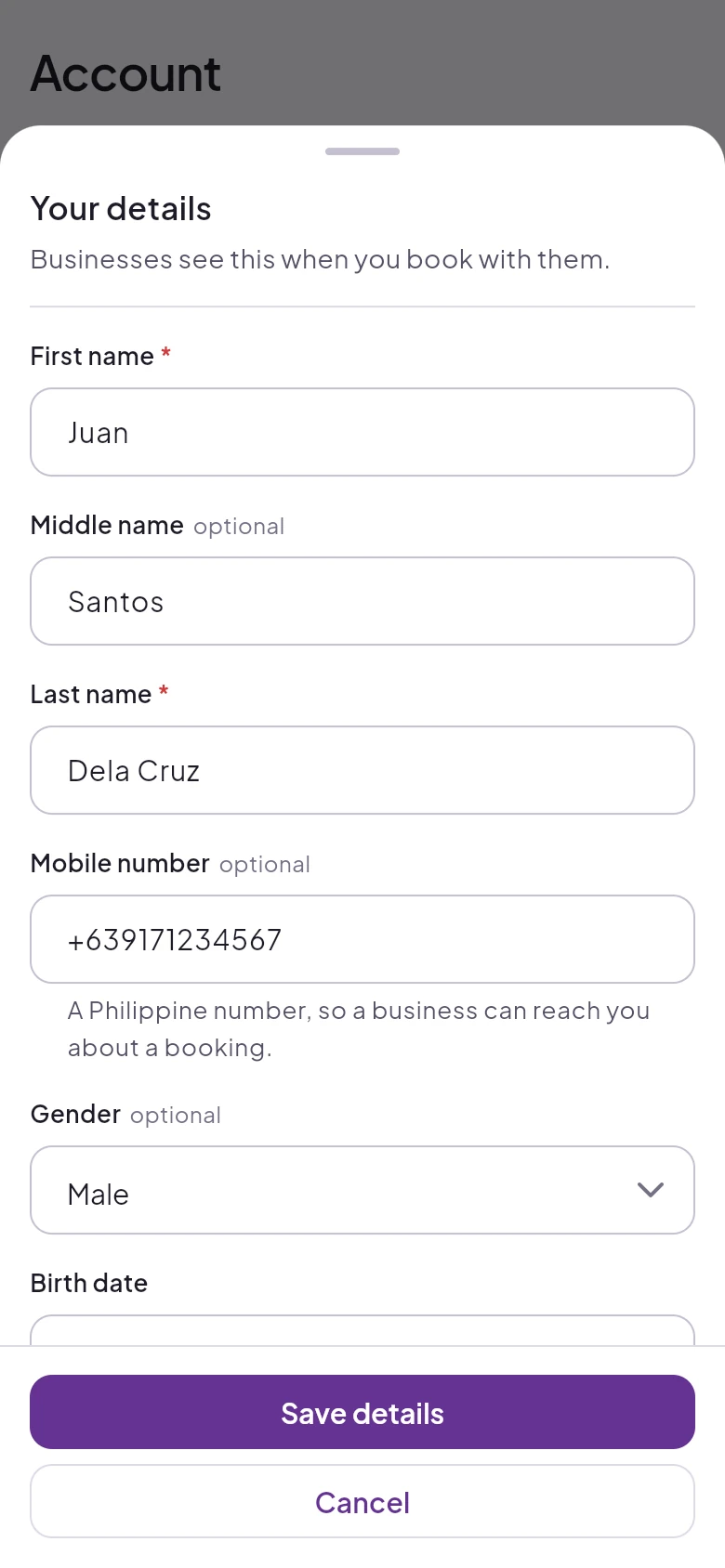
If nothing changed, the app says there is nothing to save.
Change your password
- On the Account tab, find the card with your email.
- Tap “Change your password”.
- The app sends a code to your account email. Follow the steps in Reset your password. You stay signed in.