This article is about the customer app.
See your bookings, past and upcoming
Find a booking in the Bookings list, filter it and open it.
Checked against the app on 2026-11-12.
The “Bookings” tab lists all of your bookings.
Steps
- Open the app and go to “Bookings”.
- Choose “Upcoming” to see what is coming, or “Past” to see what is finished or cancelled.
- Tap a booking to open it. See Open a booking and see its details.
Find one booking
- Type a shop or a service into the search box.
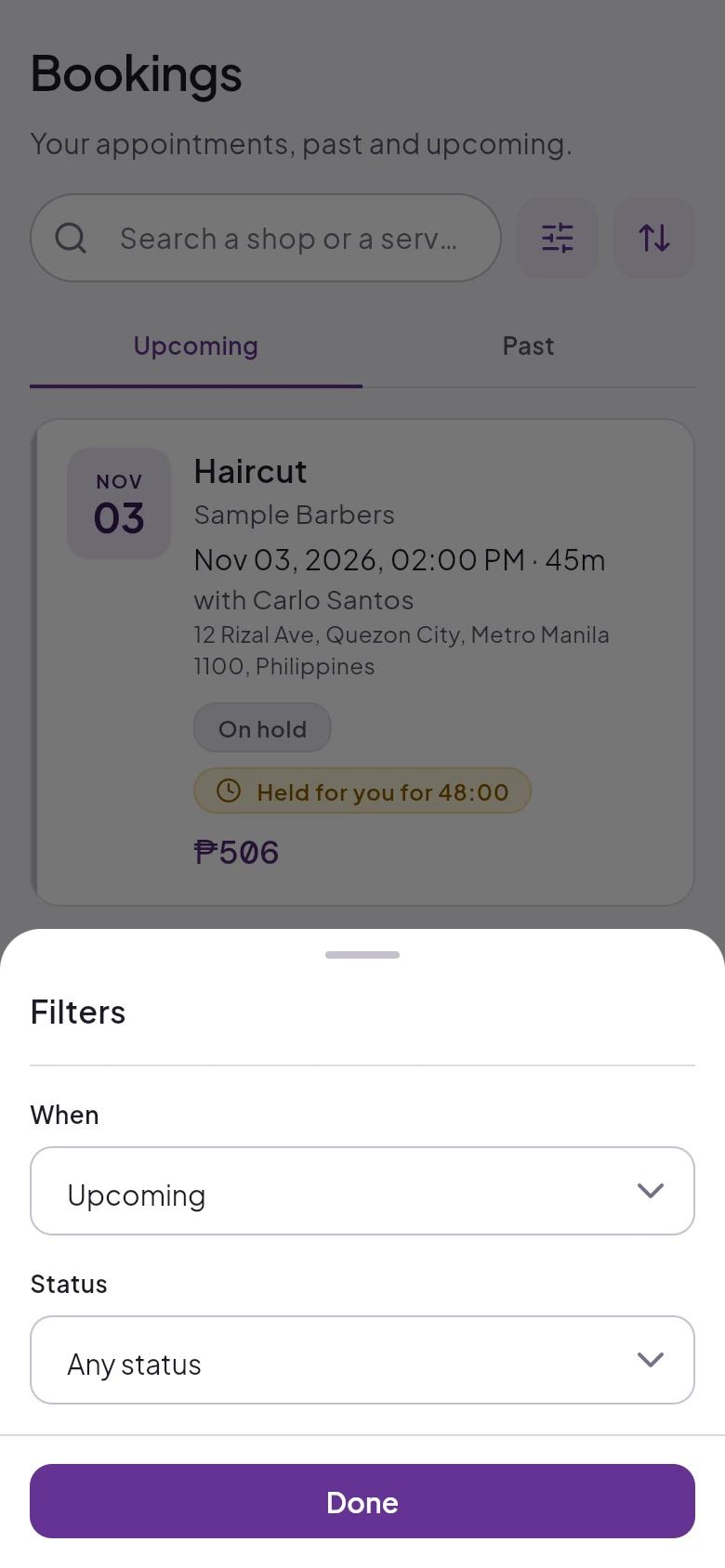
- Tap “Filters” to pick when (upcoming, past or all time) and a status. The status starts on “Any status”.
- Tap “Sort” to change the order.
When a booking needs you
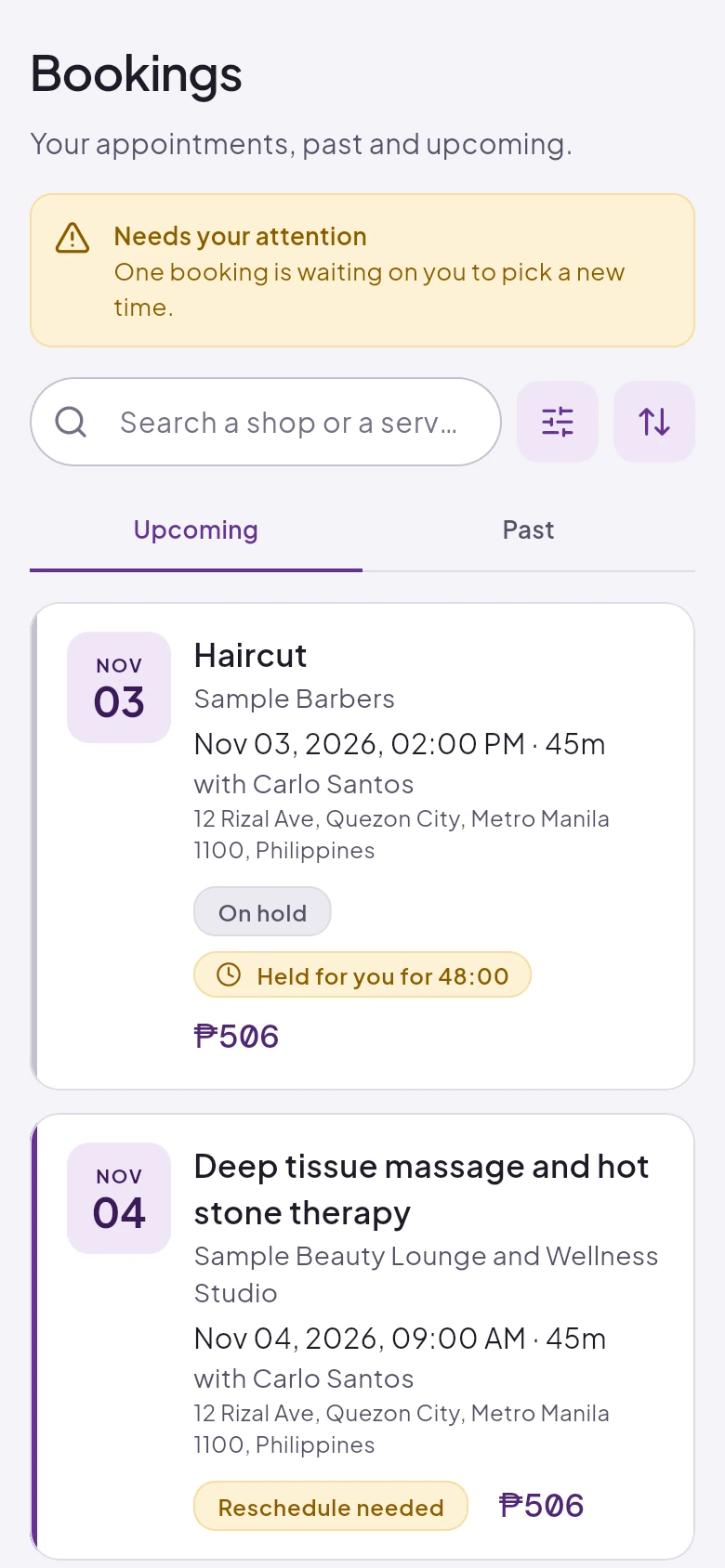
When a business asked you to move a booking, a note called “Needs your attention” shows at the top. See When the business asks you to move a booking.
If the list is empty
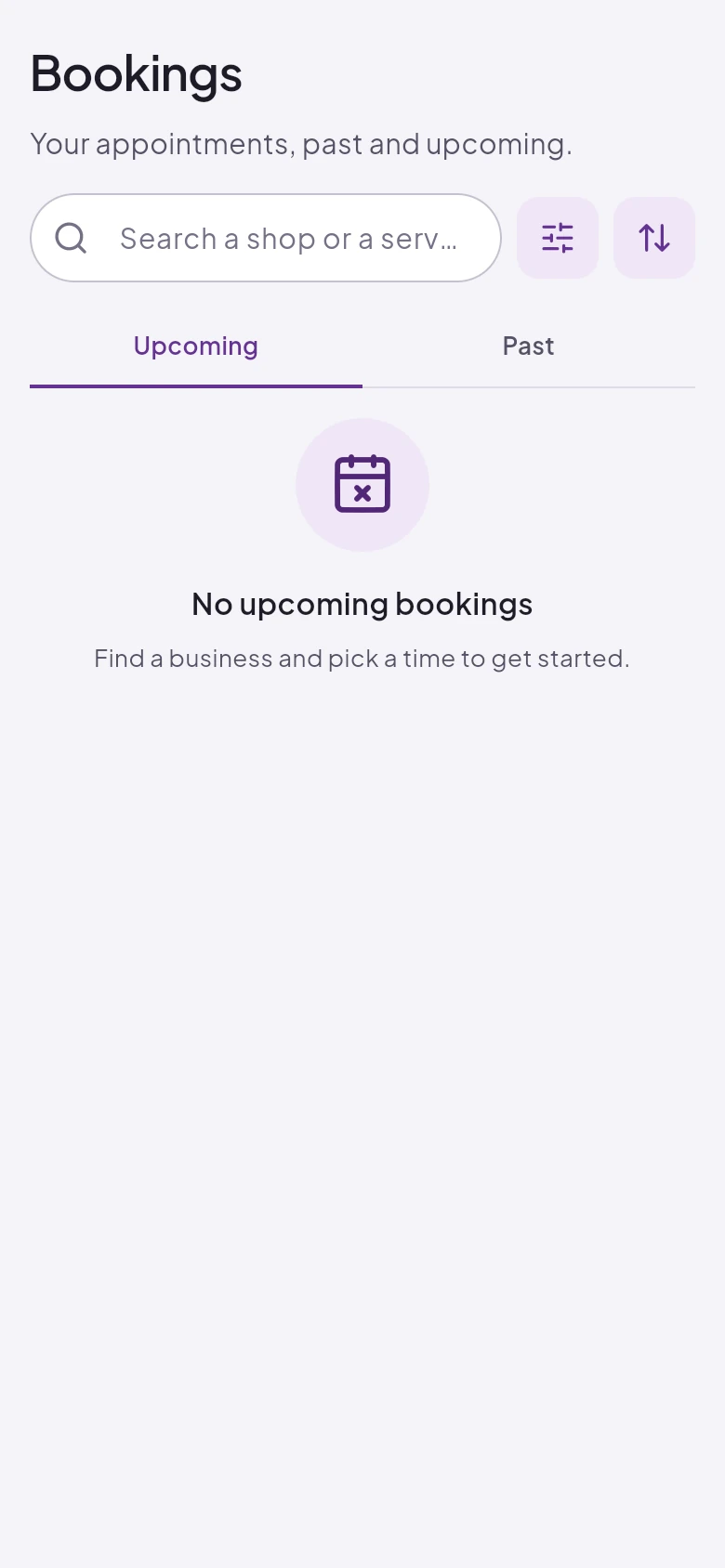
The app says “No upcoming bookings” and suggests you find a business and pick a time.