This article is about the customer app.
Save a favourite business or service
Tap the heart to keep a business or a service in your Favorites list.
Checked against the app on 2026-11-12.
Favorites keep the businesses and services you like in one list.
Save one
- Open a business or a service.
- Tap the heart button. It says Save and the name, for example Save Haircut and styling. After you tap, it says “Saved Haircut and styling”.
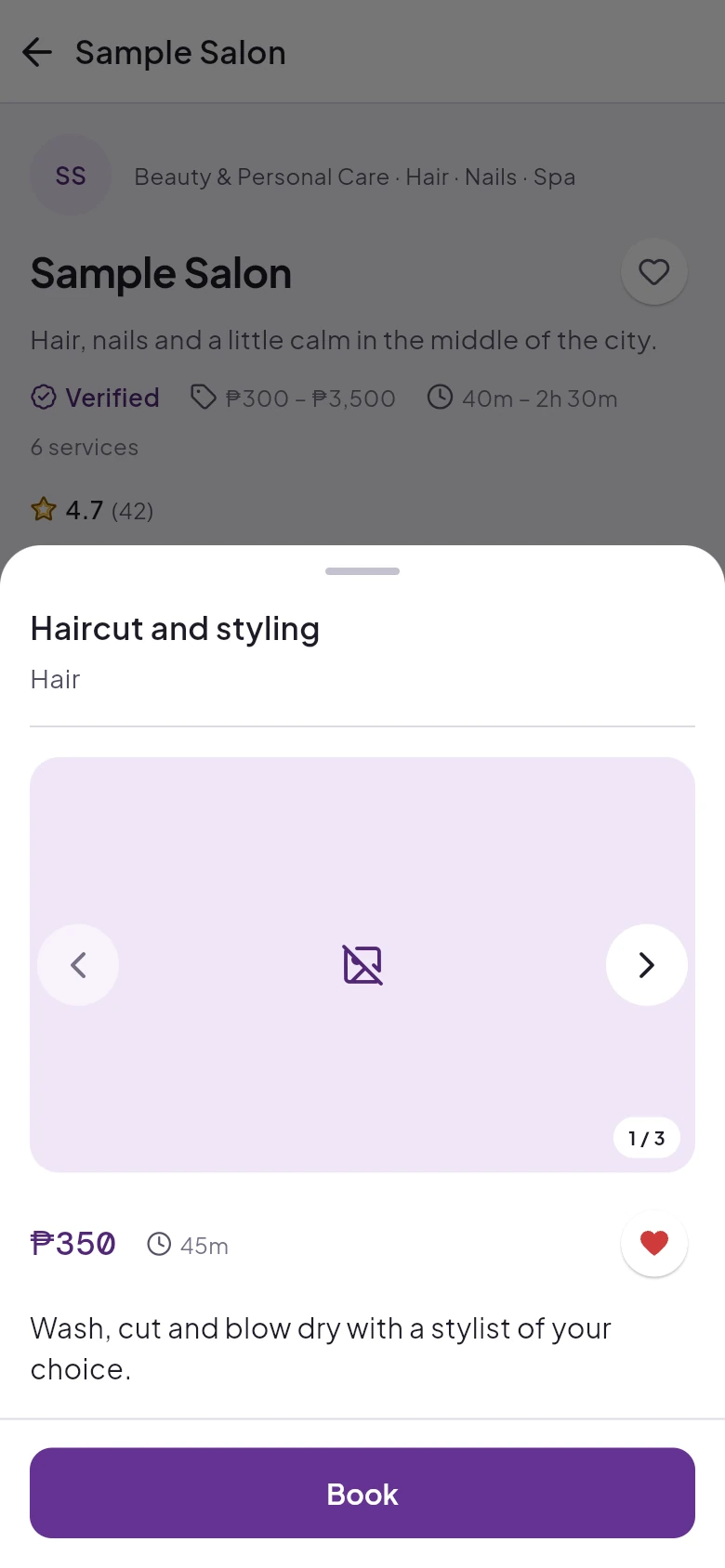
See your favourites
Open the Account tab, then “Favorites”. Your businesses and your services are listed in two groups.
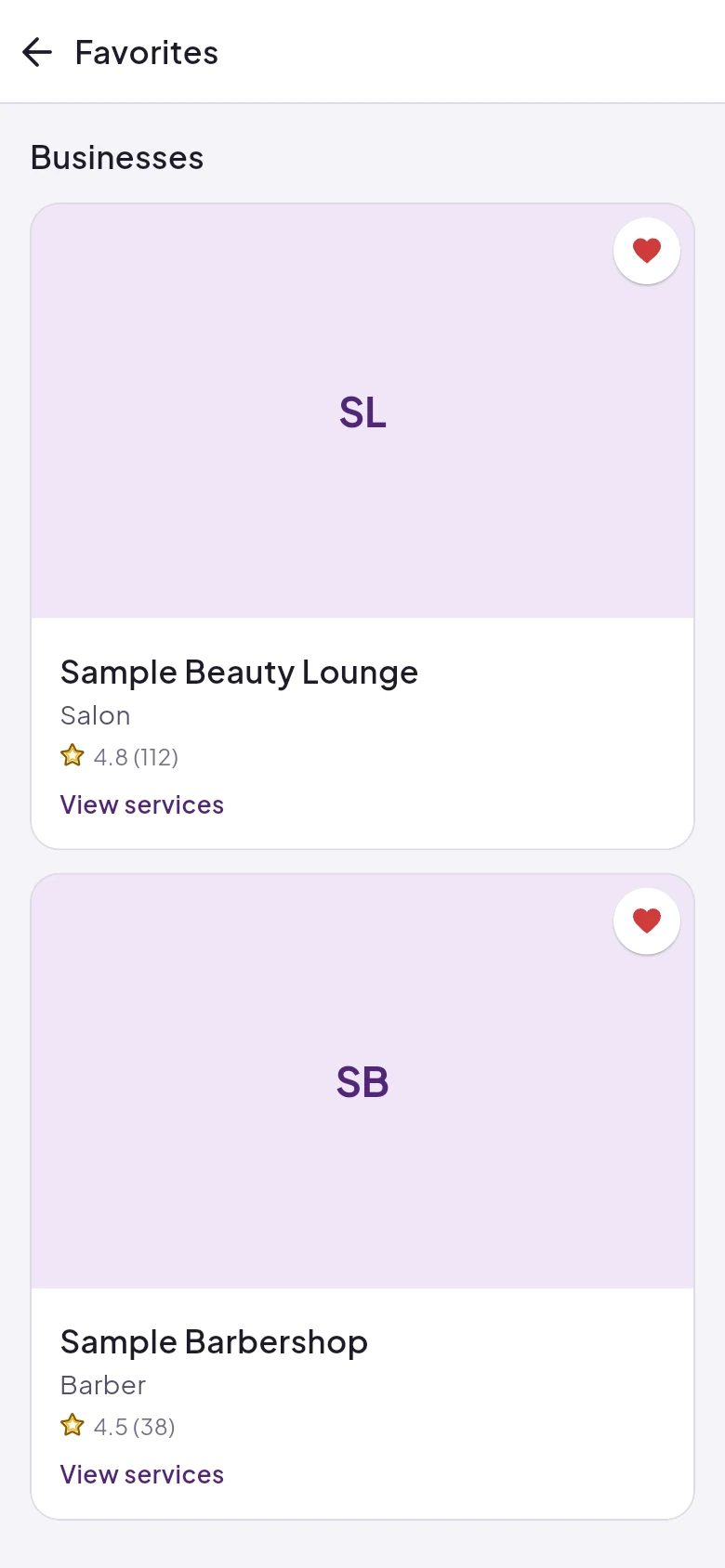
Take one off
Tap the heart again. The name goes back to Save.