This article is about the customer app.
Report a bug
Tell BOOKniNAM what went wrong in the app, with up to 5 screenshots.
Checked against the app on 2026-11-12.
If something in the app does not work, you can send a report from the app.
Steps
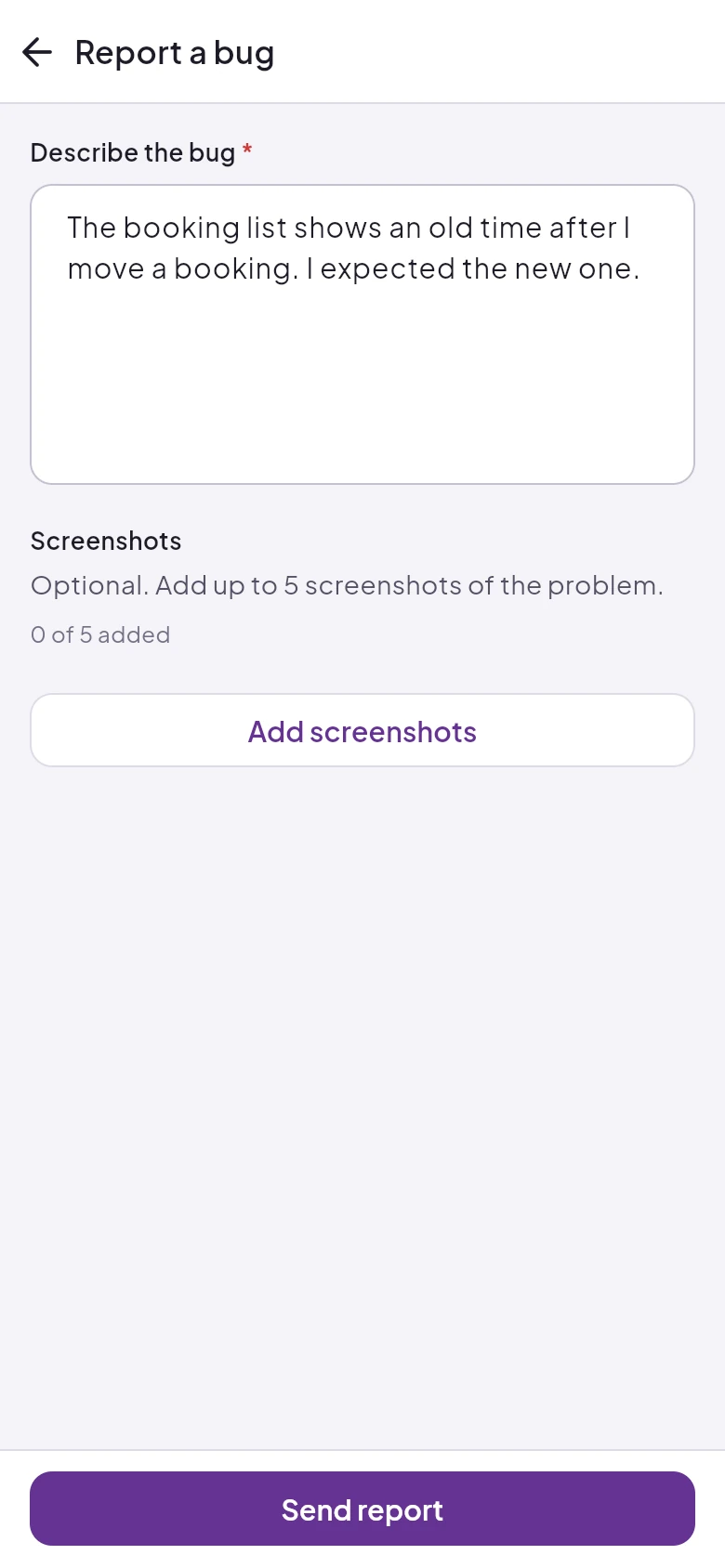
- Open the Account tab, then “Report a bug”.
- Under “Describe the bug”, write what happened, what you expected, and the steps to get there. This box is required.
- If you have screenshots, tap “Add screenshots”. You can add up to 5. They are optional.
- Tap “Send report”. The app says “Report sent”.
Good to know
The app does not show an answer to your report. If you need a reply, use Contact us.