This article is about the customer app.
Mark a booking as done
When the visit is over and paid, you can close the booking yourself.
Checked against the app on 2026-11-12.
After your visit, you can close the booking from your side.
When can you mark it as done?
All of these must be true:
- The business approved the booking.
- The end time of the booking has passed.
- The payment is recorded as paid. For a booking you pay at the counter, the business records it when you pay.
Steps
- Open the booking after your visit.
- Tap “Mark as done”.
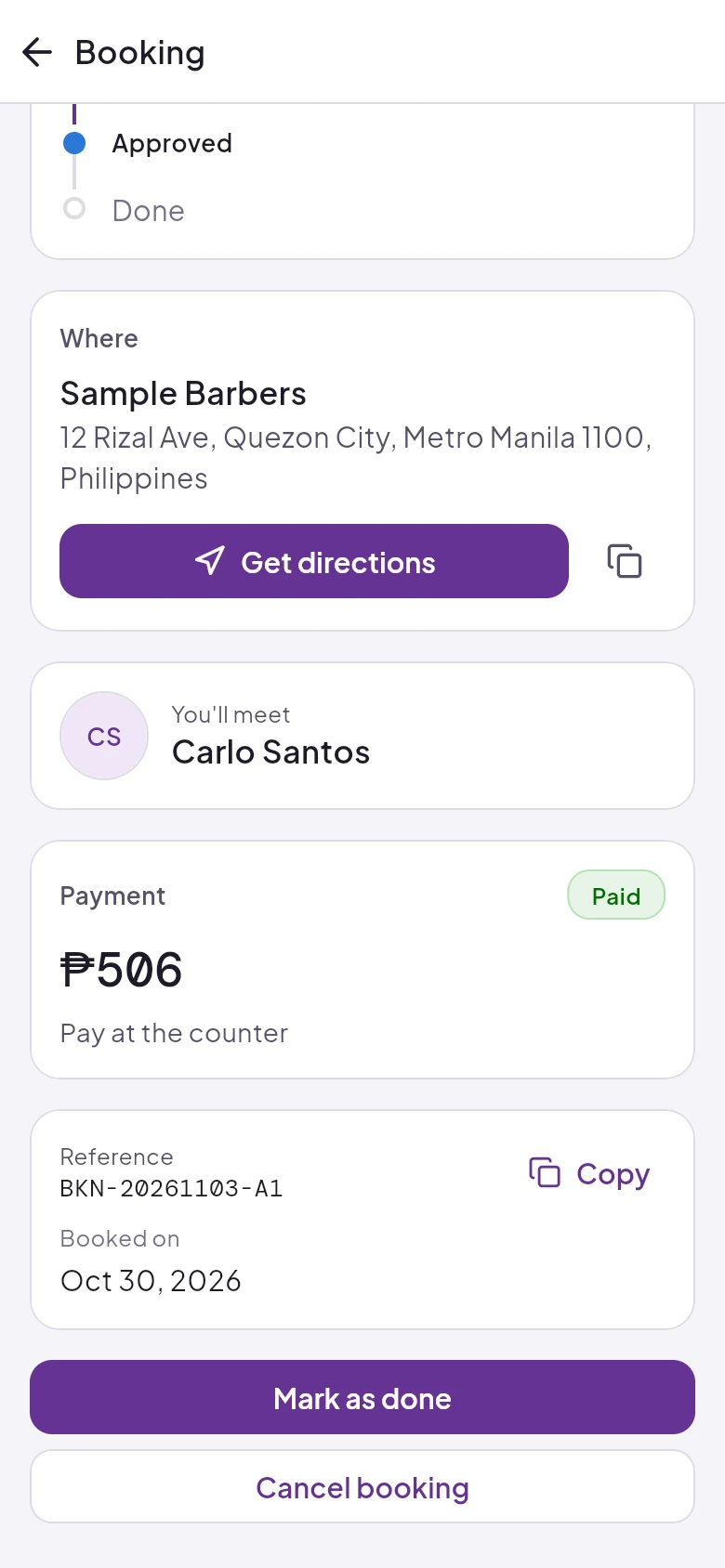
If the button is not there
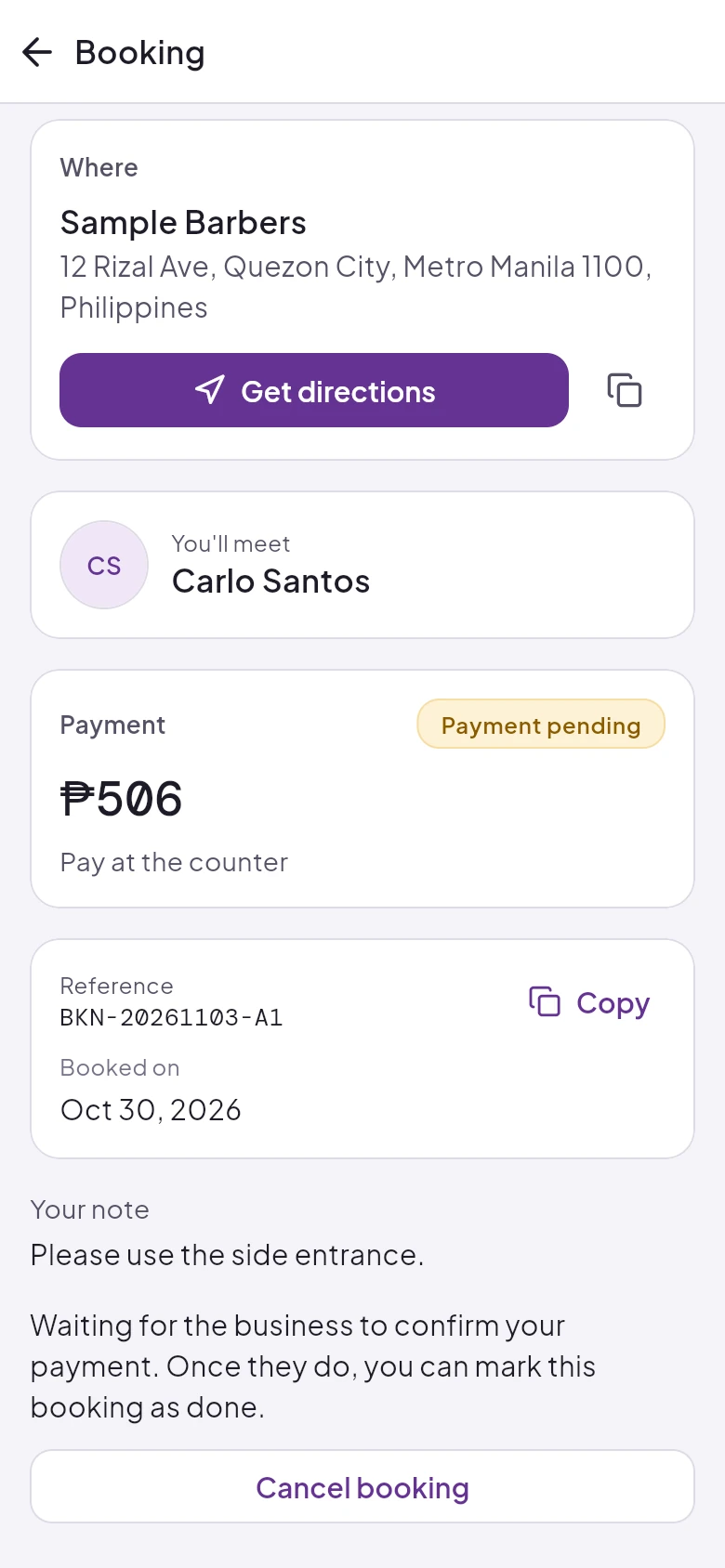
If you have not paid yet, or the business has not recorded your payment, the status shows “Payment pending”. The page says it is waiting for the business to confirm your payment. Once the business does, you can mark the booking as done.
The business can also mark the booking as done after it ends.