This article is about the customer app.
Leave a review
Rate the business, the service and the professional after your visit.
Checked against the app on 2026-11-12.
After an appointment, you can tell other customers how it went.
When can you review?
- A booking that is done: you can rate the business and the service. If a professional served you, you can rate them too.
- A booking that was declined: you can rate the business only.
- A booking that was cancelled, by you or by the business: the app does not offer a review.
Steps
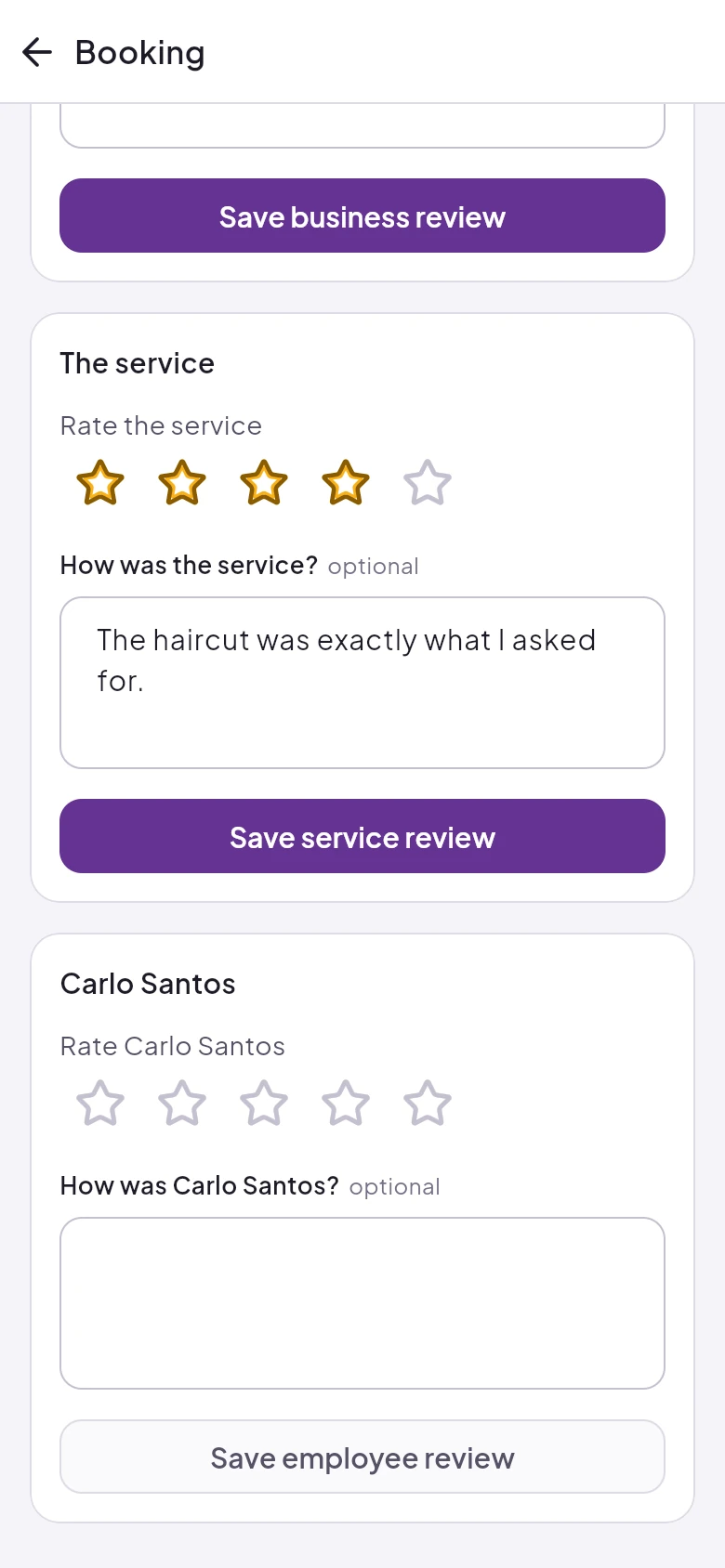
- Open the booking. The review form is at the bottom of the page.
- Tap the stars for the business, from 1 to 5. You must pick stars. The words are optional and can be up to 500 characters.
- Tap “Save business review”.
- Do the same for the service with “Save service review”, and for the professional with “Save employee review”. Each part is saved on its own.
Change your review
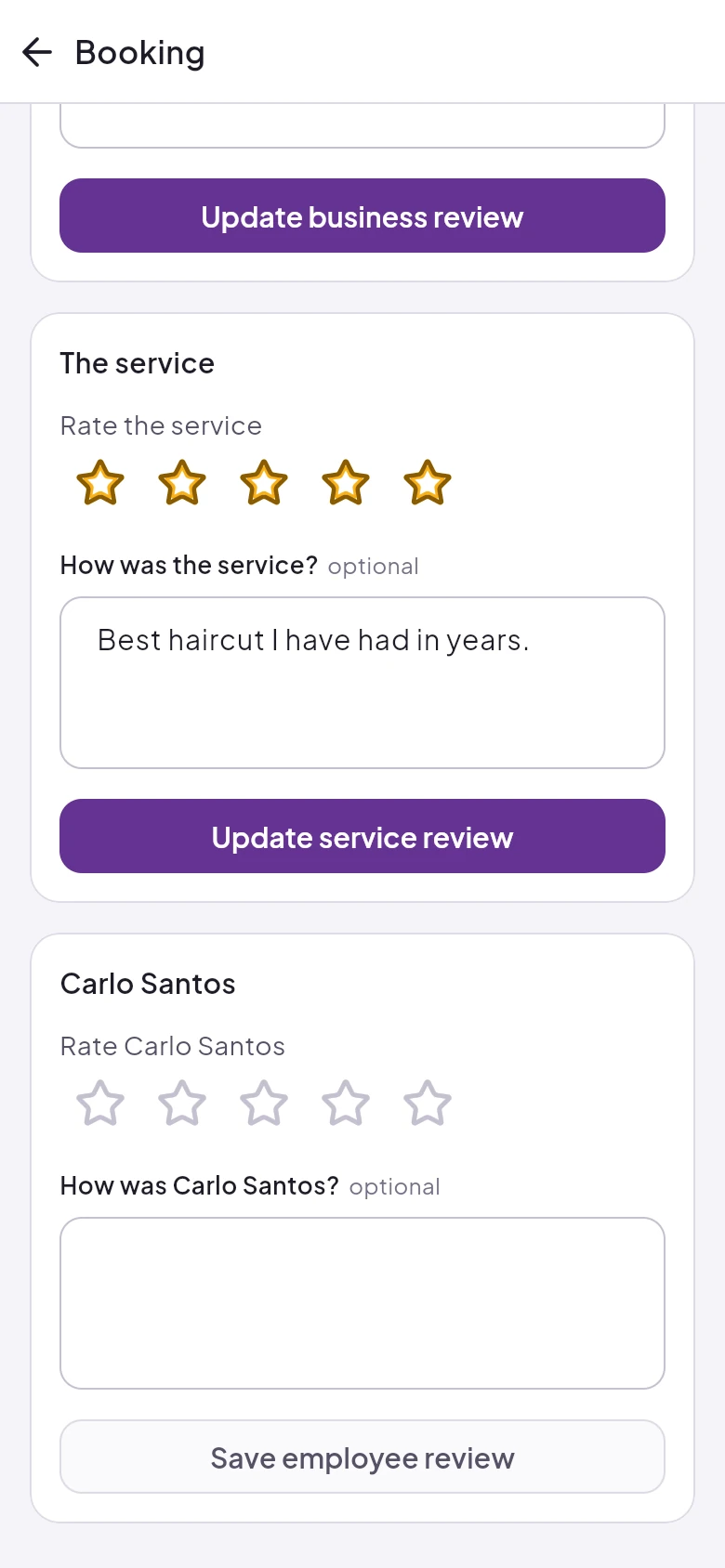
Open the booking again. The buttons now say “Update business review” and “Update service review”. Change the stars or the words, then save.
See all your reviews
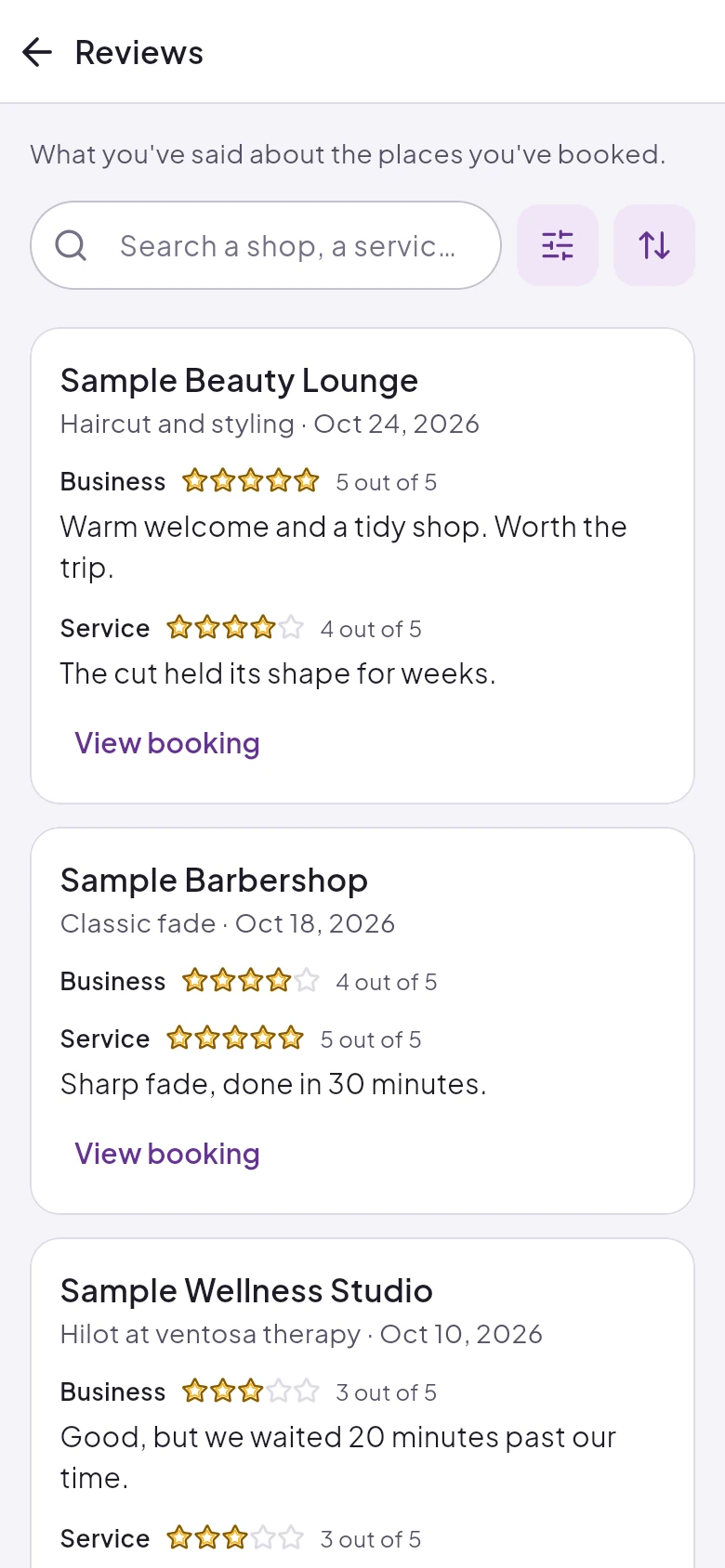
In Account, open “Reviews” to see everything you wrote. Tap “View booking” on a review to go to its booking.
Good to know
The business can read your review. It cannot edit it or reply to it.