This article is about the business app.
Close out a booking
Mark it paid, done or no-show, or cancel it, and when each button works.
Checked against the app on 2026-11-12.
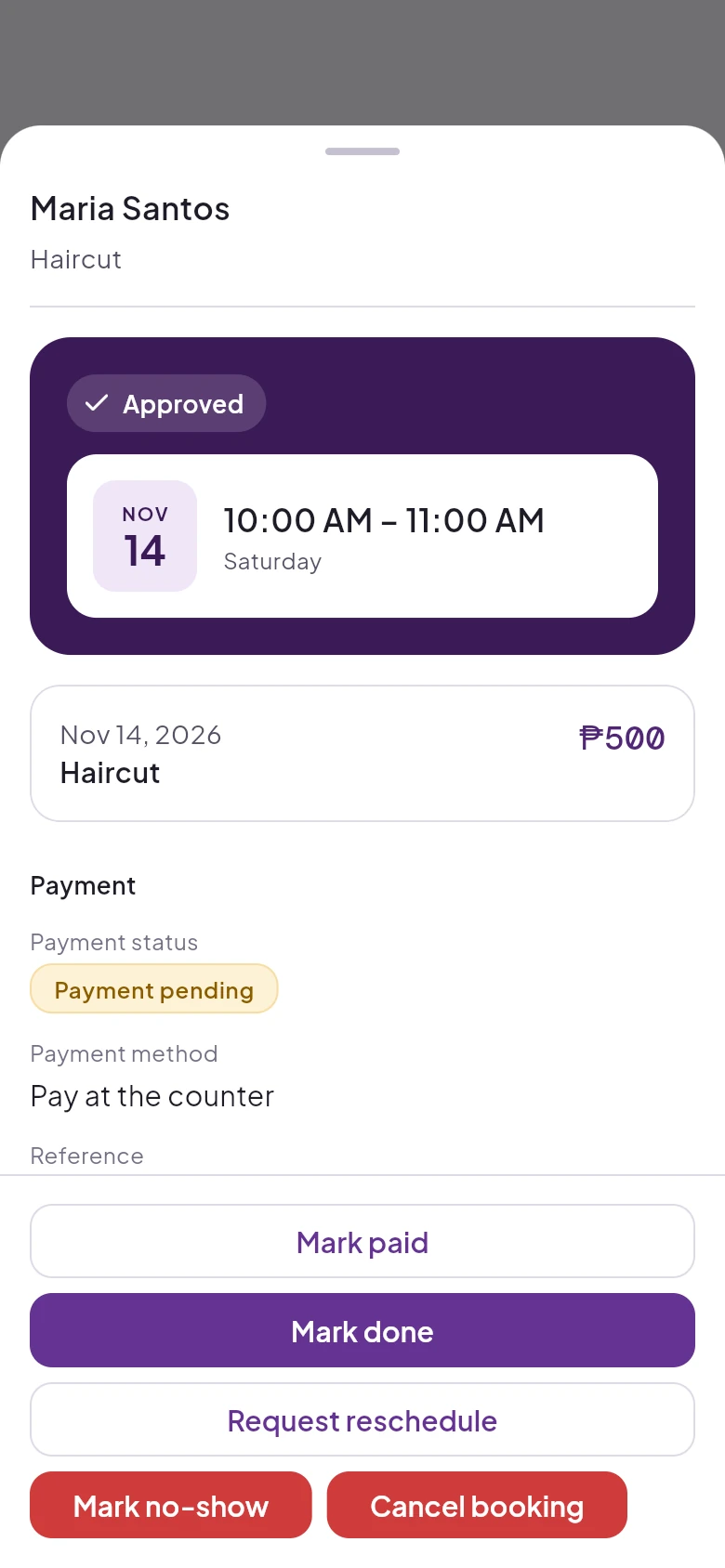
After you approve a booking, the page offers new buttons. Each one works at the right time.
The buttons
- “Mark paid”. Use it when you collected the payment in person. Until you do, the customer cannot close the booking from their side.
- “Mark done”. Use it after the appointment has ended. It also records a payment you collected in person as paid.
- “Mark no-show”. Use it when the customer did not come. This works only after the end time.
- “Request reschedule”. Ask the customer to pick a new time. You must give a reason.
- “Cancel booking”. Cancel an approved appointment. You must give a reason. The app says a partial service-fee refund may apply.
The page also shows “Reschedules”, how many times the booking was moved.
When the booking is closed
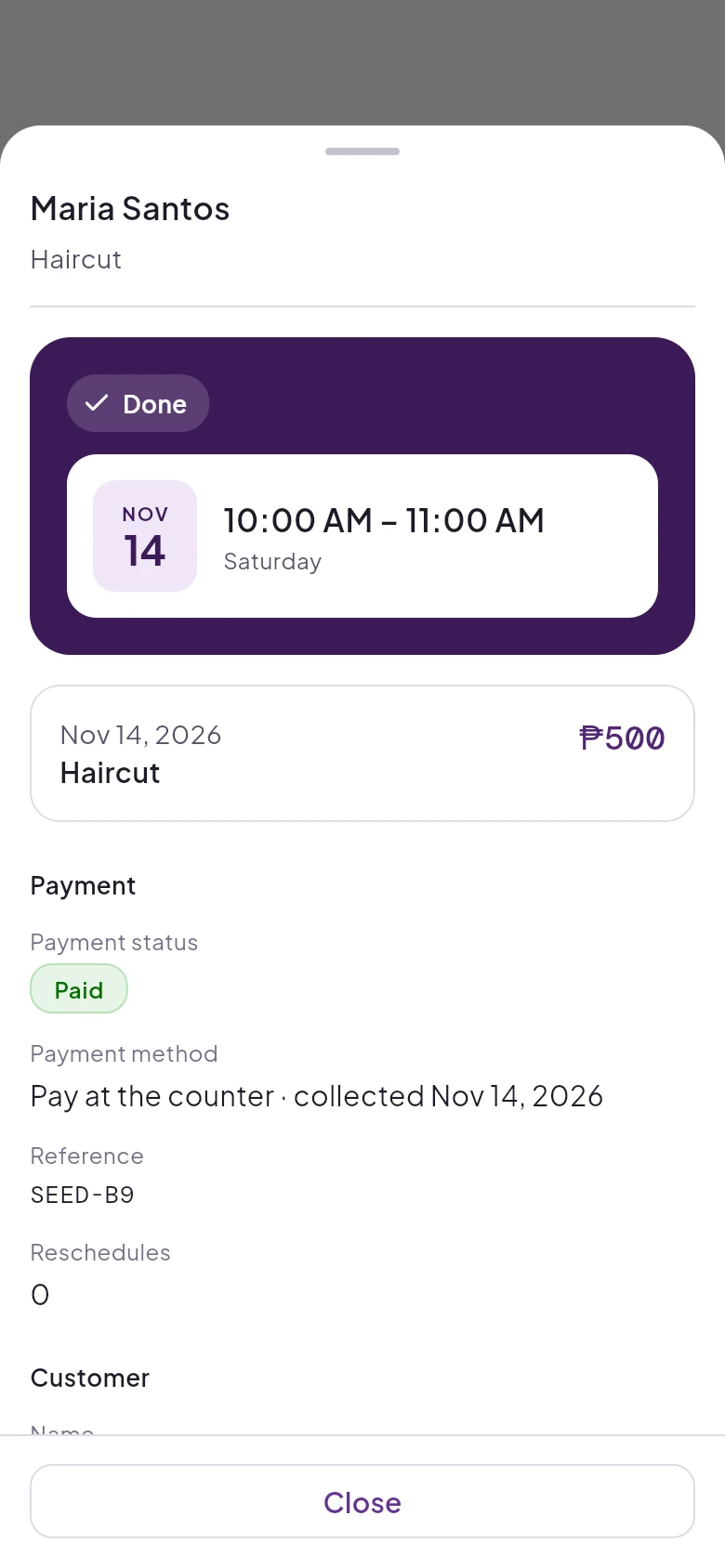
A booking marked done and paid shows “Done” and “Paid”.
Good to know
- Mark done and Mark no-show only work after the end time of the booking. Before that, the server refuses.
- You can also cancel a booking that you sent back for reschedule.
- The customer is told about each change.