This article is about the business app.
Answer a booking
Approve it, decline it, or ask the customer to move it.
Checked against the app on 2026-11-12.
When a customer books, the booking waits for your answer. Its status is “Awaiting your answer”.
Steps
- Open the booking from Bookings. You see the service, the time, the amount, the payment and the customer.
- Choose one:
- “Approve” confirms the appointment. The customer is told.
- “Decline” rejects the request. You must type a “Reason”. The customer is told and sees your reason as a note.
- “Request reschedule” asks the customer to pick a new time. You must type a reason. This counts as one reschedule for the booking.
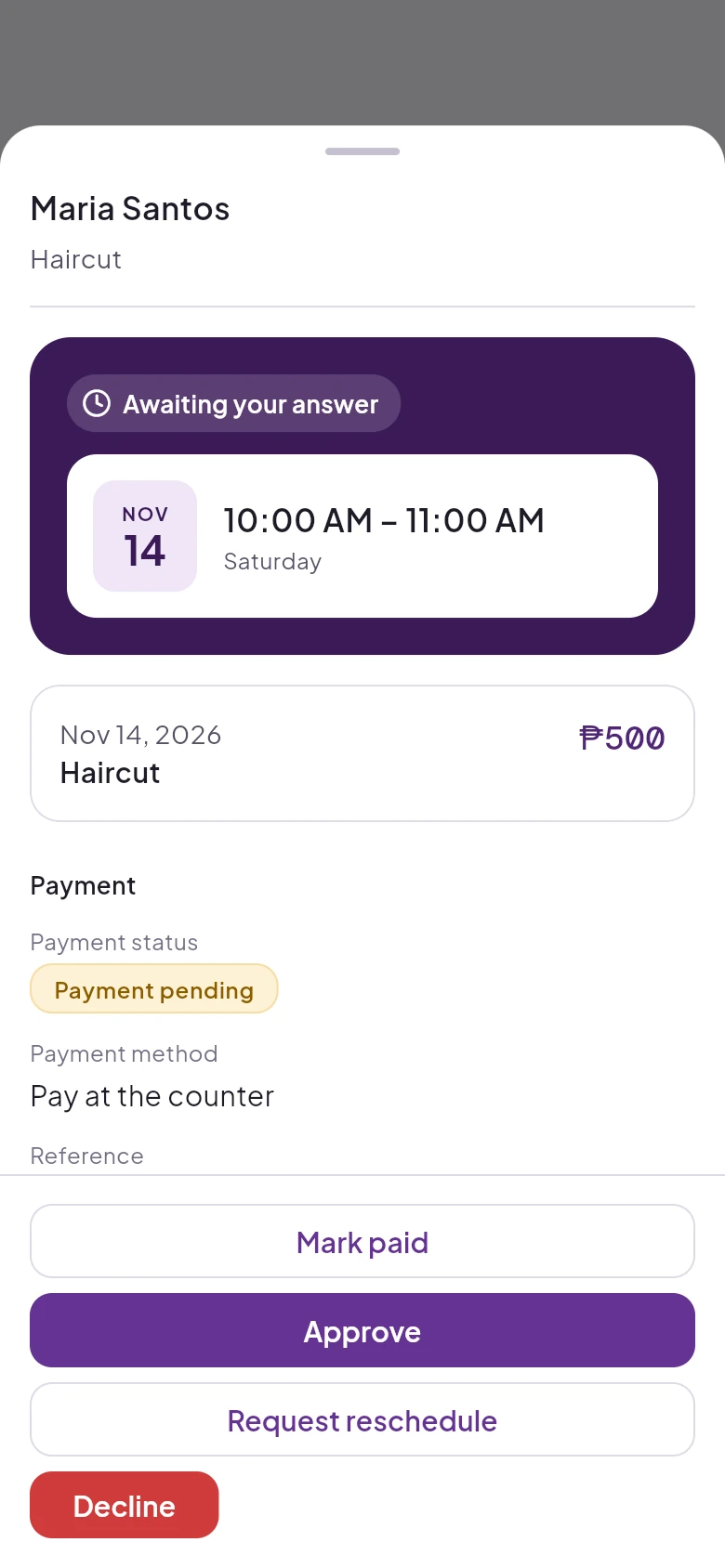
- If the customer already paid you in person, tap “Mark paid” to record it. See Close out a booking.
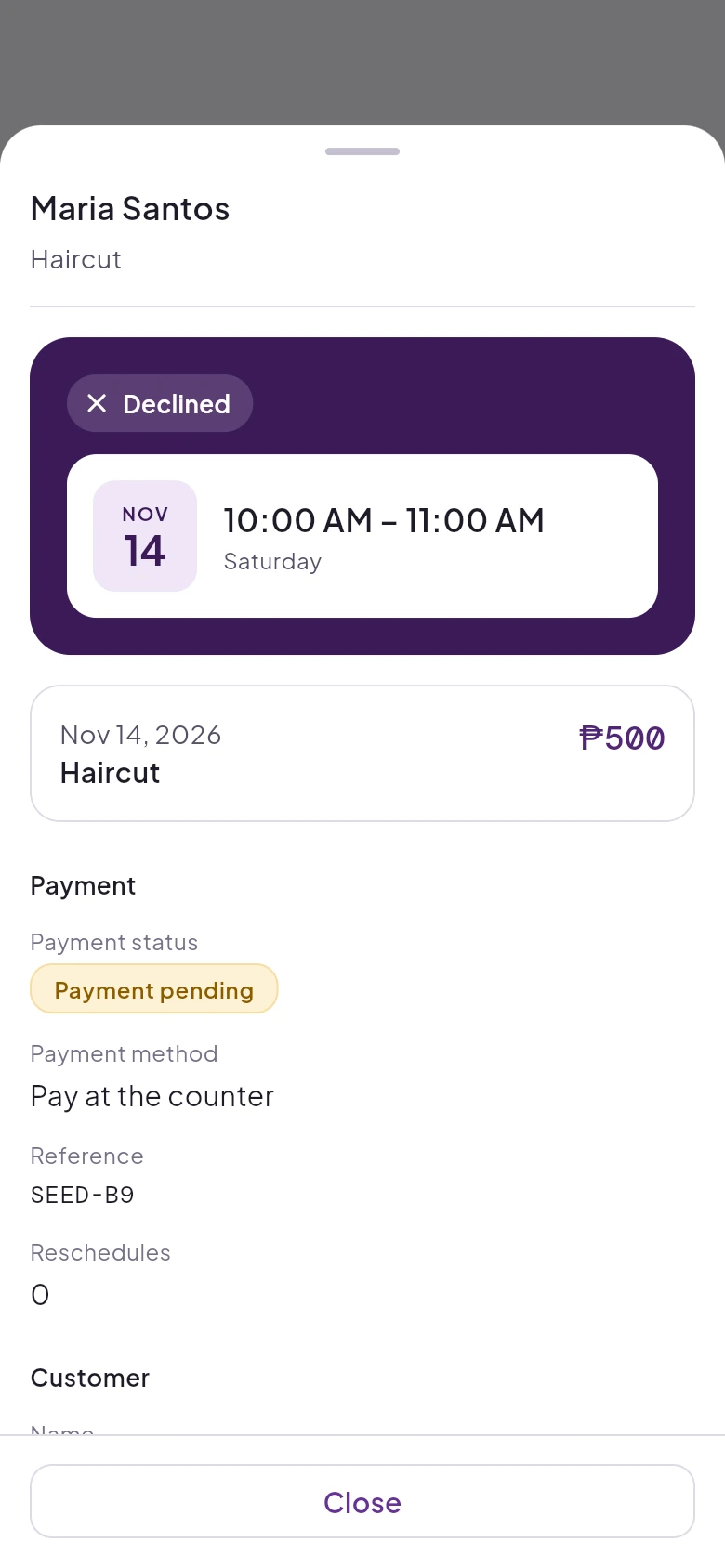
After you decline
The booking shows “Declined”.
Good to know
- If you do not answer before the start time, the booking lapses. The customer is told that the business did not respond.