This article is about the customer app.
Confirm your email with a 6-digit code
The app sends a code to your email. Type it in to finish setting up.
Checked against the app on 2026-11-12.
The app must confirm that your email is yours. It does this with a code.
Steps
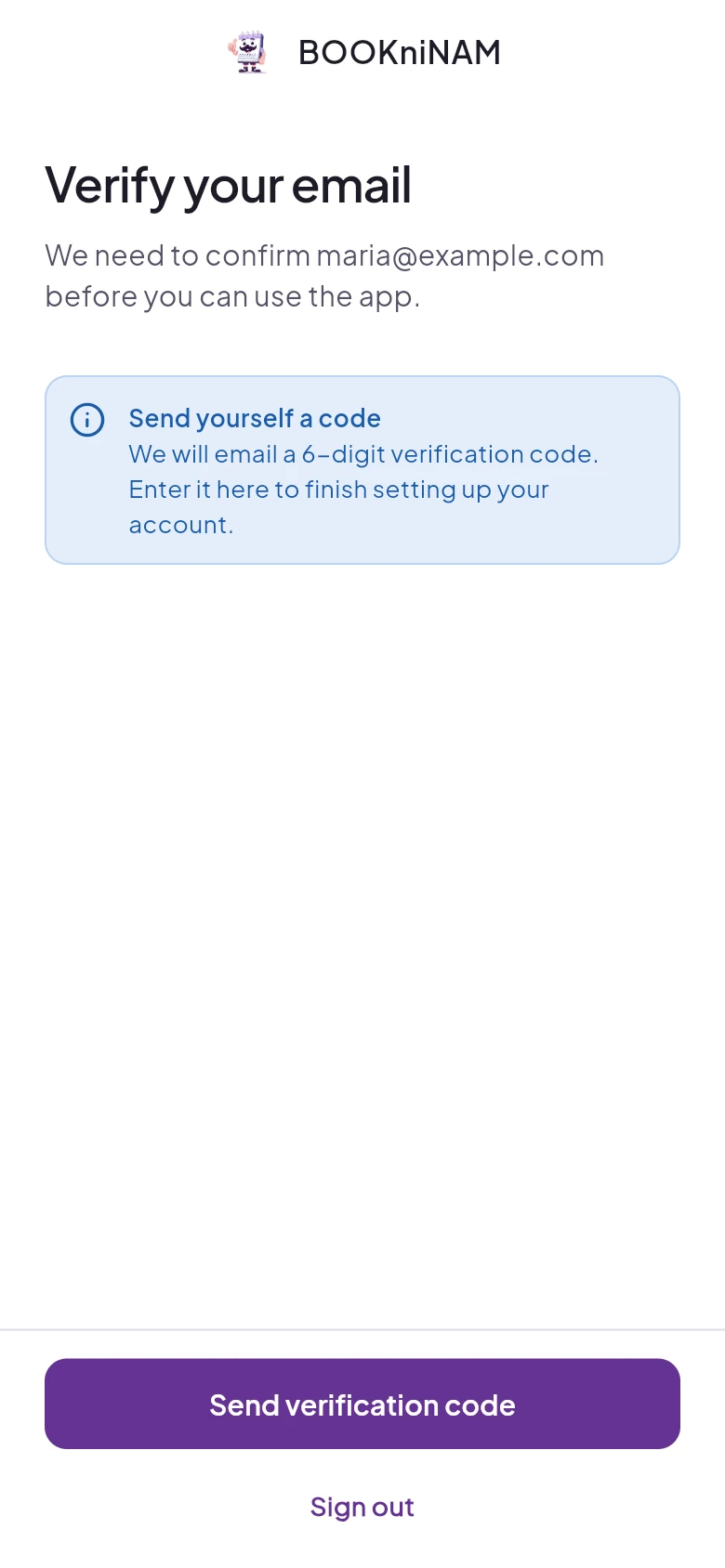
- After you create your account, the app opens “Verify your email”. It names the email address it is confirming.
- Tap “Send verification code”.
- Open your email inbox and find the message with a 6-digit code.
- Go back to the app. Type the 6 digits into the code boxes.
- Tap “Verify email”.
When the code is right, the app shows that your email is verified and takes you on.
Common problems
- No email arrived. Check your spam or junk folder. Then tap “Resend code”.
- The app says the code is 6 digits. You typed fewer or more than 6 digits. Type exactly 6.
- Wrong address. The screen shows which email it is confirming. If that is not your address, sign out and start again with the right one.