This article is about the customer app.
Sign in to the customer app
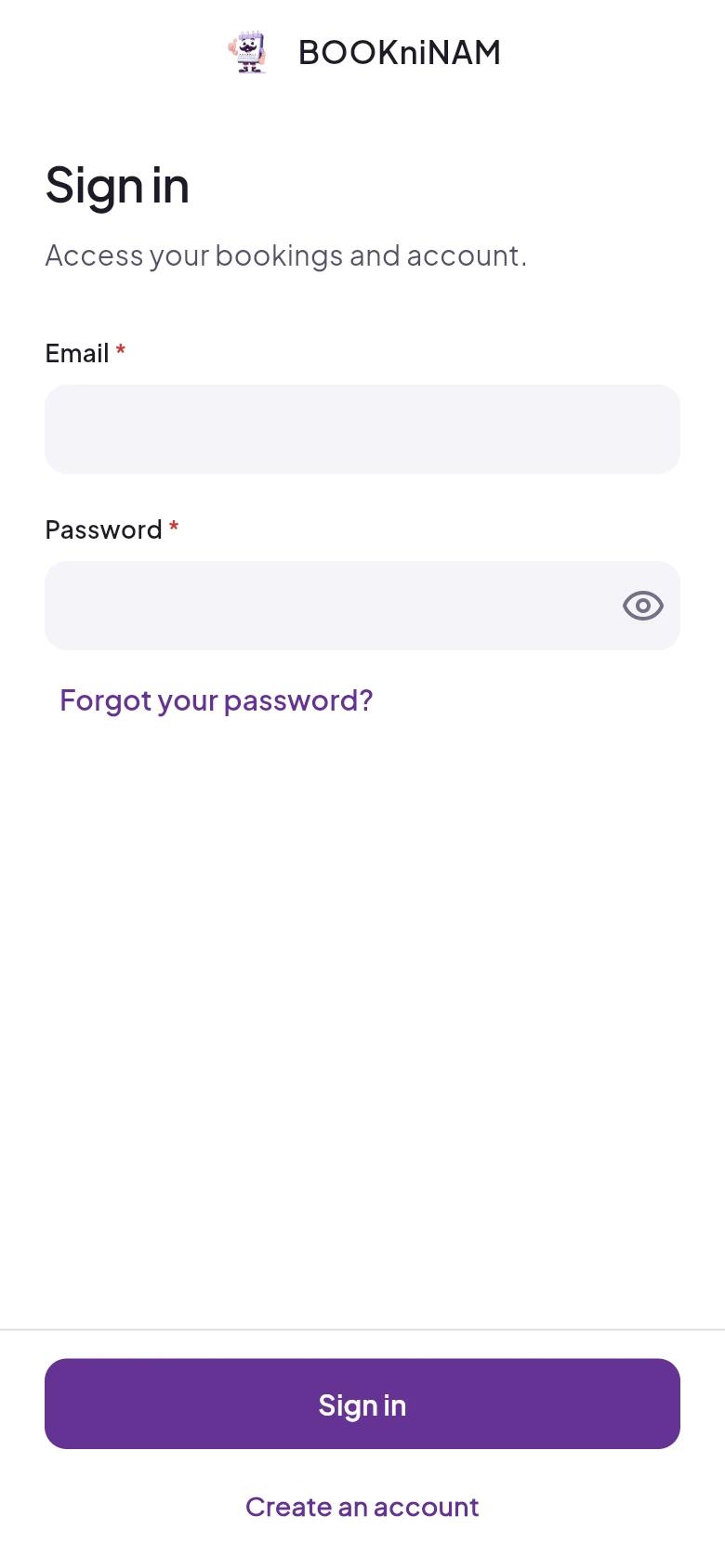
Sign in with your email and password. What to do if you forgot the password.
Checked against the app on 2026-11-12.
You sign in with the email and password you used to create your account.
Steps
- Open the app. The sign-in screen is called “Sign in”.
- Type your email.
- Type your password. Tap “Show password” if you want to check it.
- Tap “Sign in”.
Common problems
- The app says the email and password did not work. Check both. Tap “Show password” to see what you typed.
- I forgot my password. Tap “Forgot your password?”. See Reset your password.
- The app signed me out. If you were away for a while, the app signs you out to keep your account safe. Sign in again and carry on.
- The app asks me to verify my email. Do that first. See Confirm your email.