This article is about the customer app.
Reset your password
Get a 6-digit code by email and choose a new password.
Checked against the app on 2026-11-12.
If you forgot your password, you can set a new one. You need to open your email.
Steps
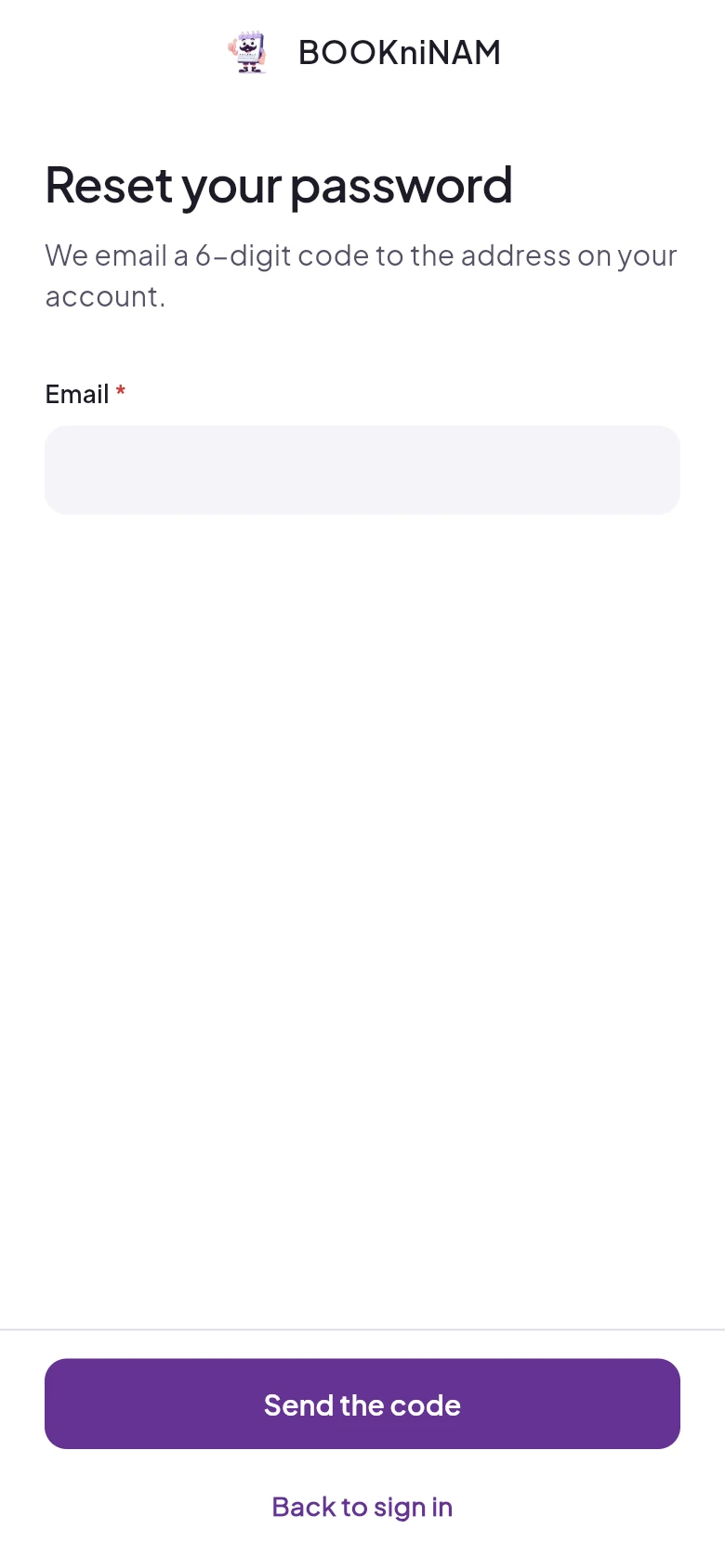
- On the sign-in screen, tap “Forgot your password?”. The next screen is “Reset your password”.
- Type the email on your account.
- Tap “Send the code”. The app sends a 6-digit code to that email.
- Open your email and find the code.
- In the app, type the 6 digits and your new password. Use 8 to 50 characters with a lowercase letter, an uppercase letter, a number and a symbol. No spaces.
- Tap “Set new password”.
- Sign in with the new password.
Common problems
- The app says my reset session expired. Ask for a new code and start again.
- No email arrived. Check your spam or junk folder, then ask for the code again.
- The new password is refused. The app tells you what is missing. Add it and try again.