This article is about the business app.
The five setup steps
What you fill in after you confirm your email, and in which order.
Checked against the app on 2026-11-12.
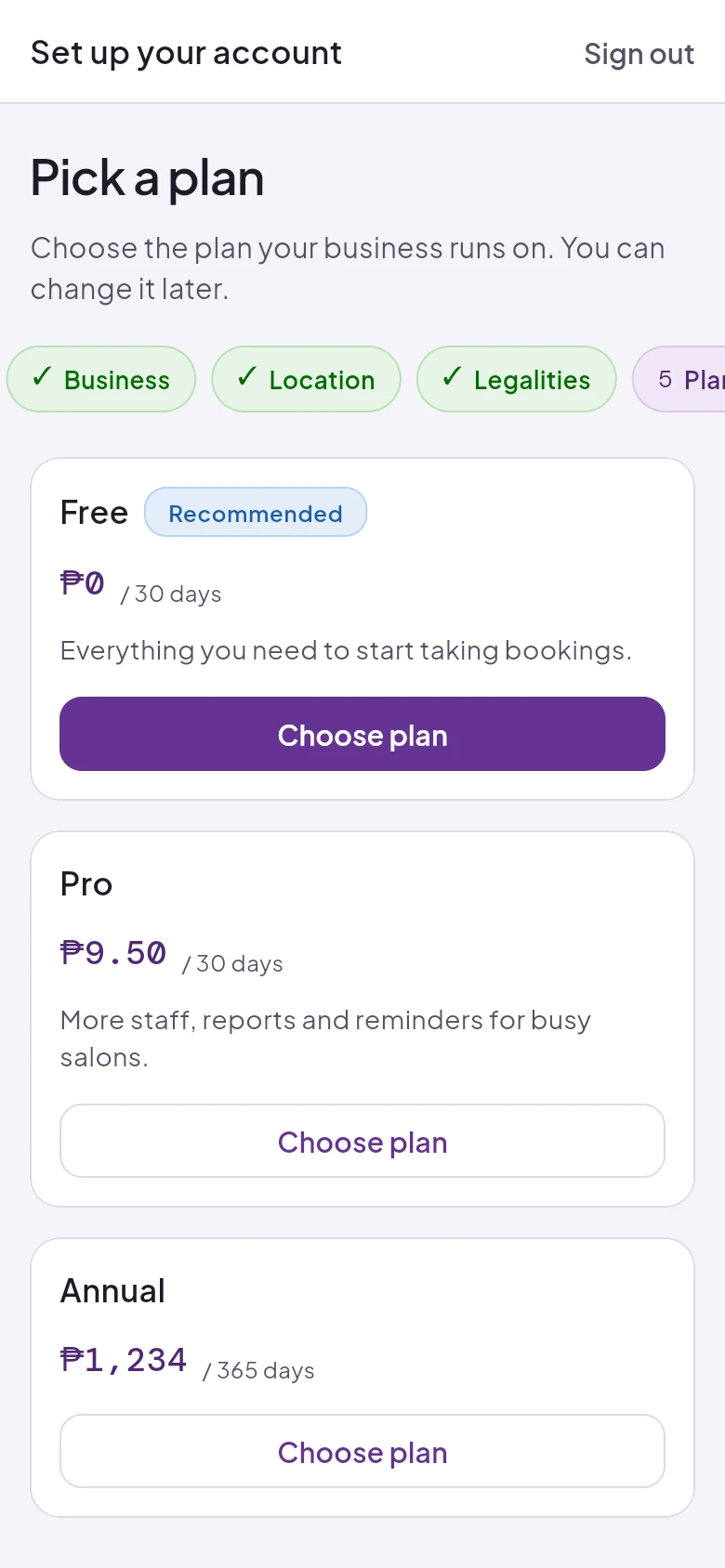
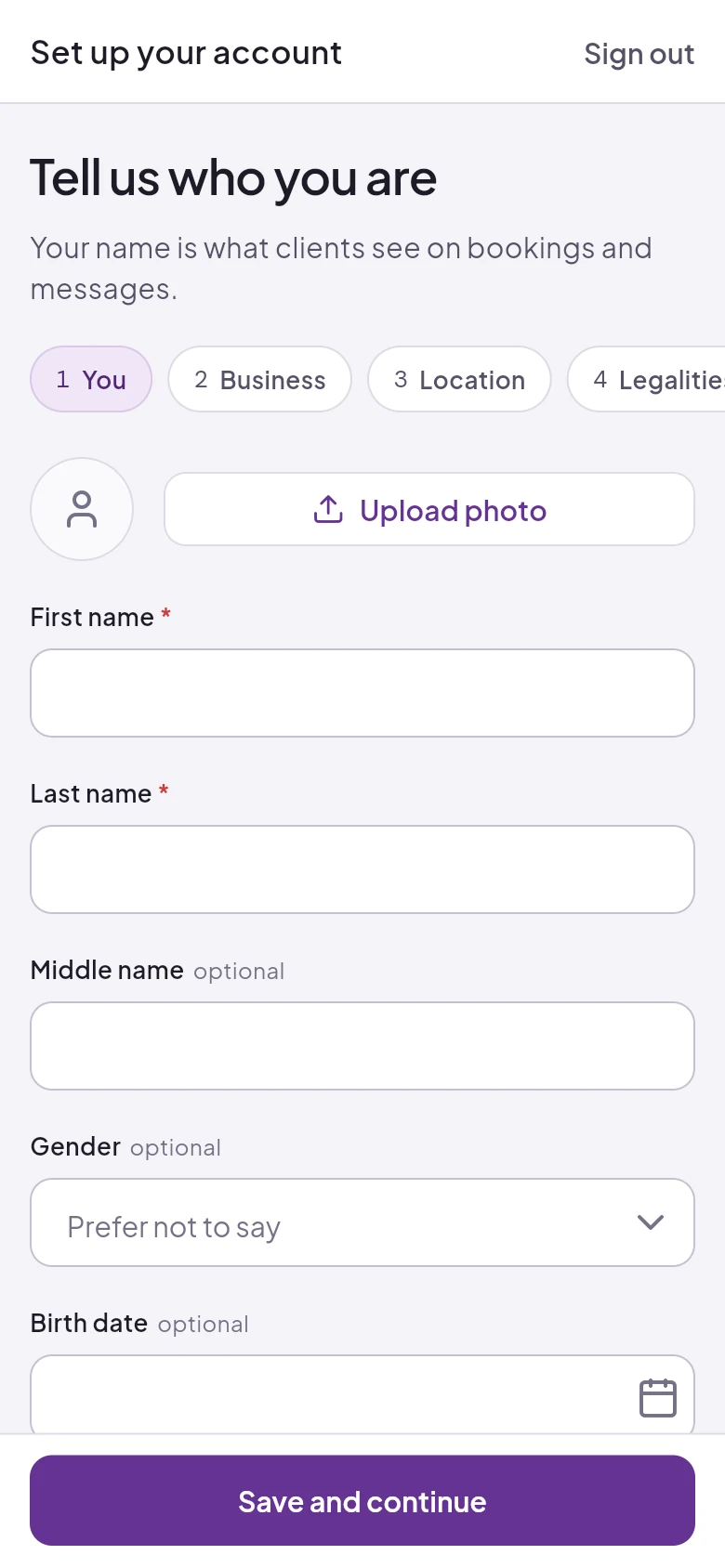
After you confirm your email, the business app shows “Set up your account”. You fill in five steps, in this order:
- You. Your name. See Your name and your business.
- Business. The industry and the name of your business. See Your name and your business.
- Location. Where you operate. See Your business location.
- Legalities. Your verification documents. See Verification documents and what each review state means.
- Plan. The plan your business runs on. See Choose a plan.
Good to know
- Every step is required. The app takes you to the first step that is not finished.
- Each step has “Save and continue”.
- The step Legalities counts as done when you have saved the ID or registration number. That is not the same as BOOKniNAM approving your documents. Approval comes later.
- If you want to stop, tap “Sign out” at the top. You can sign in again and carry on where you left off.