This article is about the business app.
Your business location
Set the address and the pin so customers can find you.
Checked against the app on 2026-11-12.
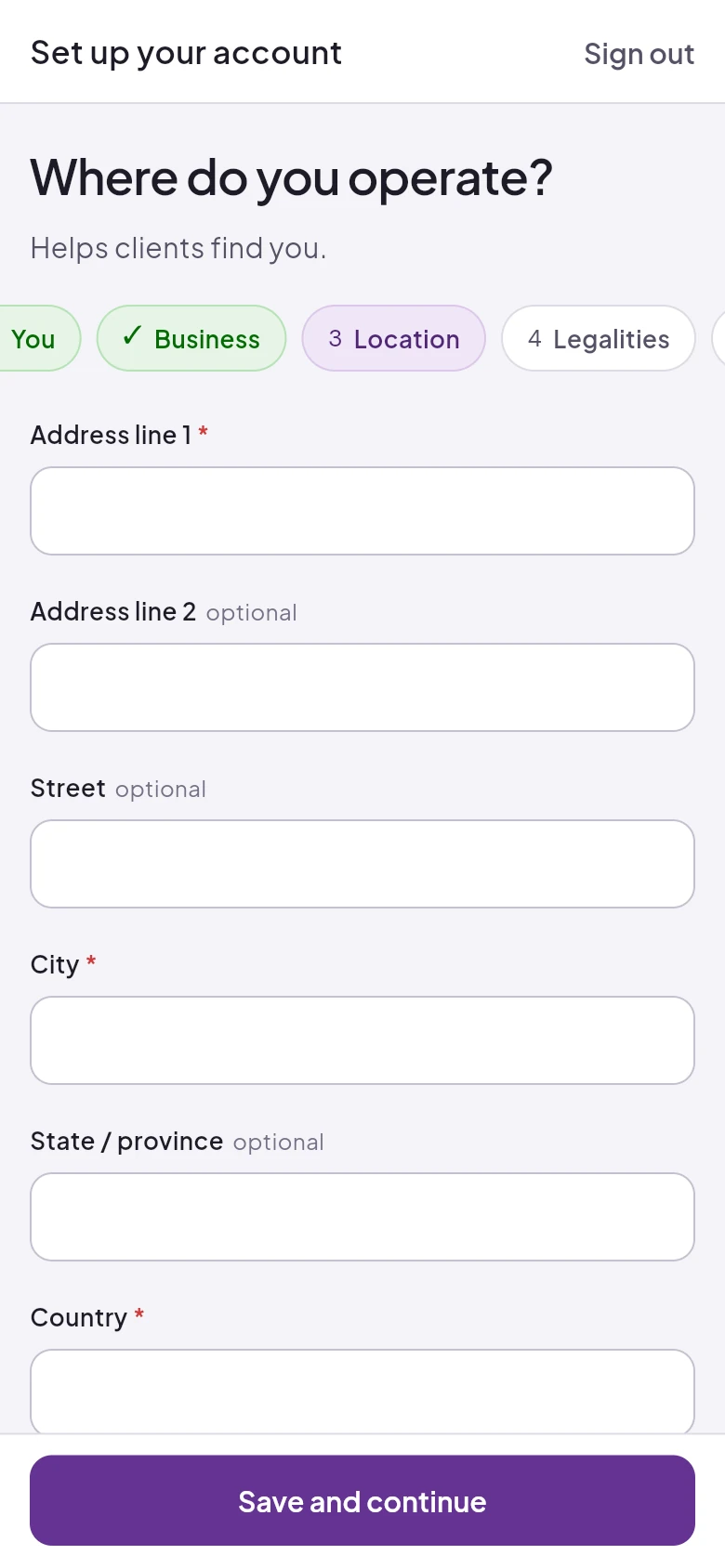
The third setup step asks “Where do you operate?”. It helps customers find you.
Steps
- Type “Address line 1”, “City” and “Country”. These are required.
- Address line 2, street, state or province and zip code are optional.
- Tap “Find on map”. The app puts a pin on the map.
- Check the pin. If the app cannot find your address, tap the map to place the pin yourself, then drag it until it is right.
- Tap “Save and continue”.
If the app says to place the pin
You will see “Place the pin first”. Press “Find on map”, or tap the map to place the pin yourself.