This article is about the business app.
Read your reviews
See what customers said, your average rating and how it is spread.
Checked against the app on 2026-11-12.
Customers review you after an appointment. You can read the reviews in the business app.
Steps
- Open “Reviews” from the More menu.
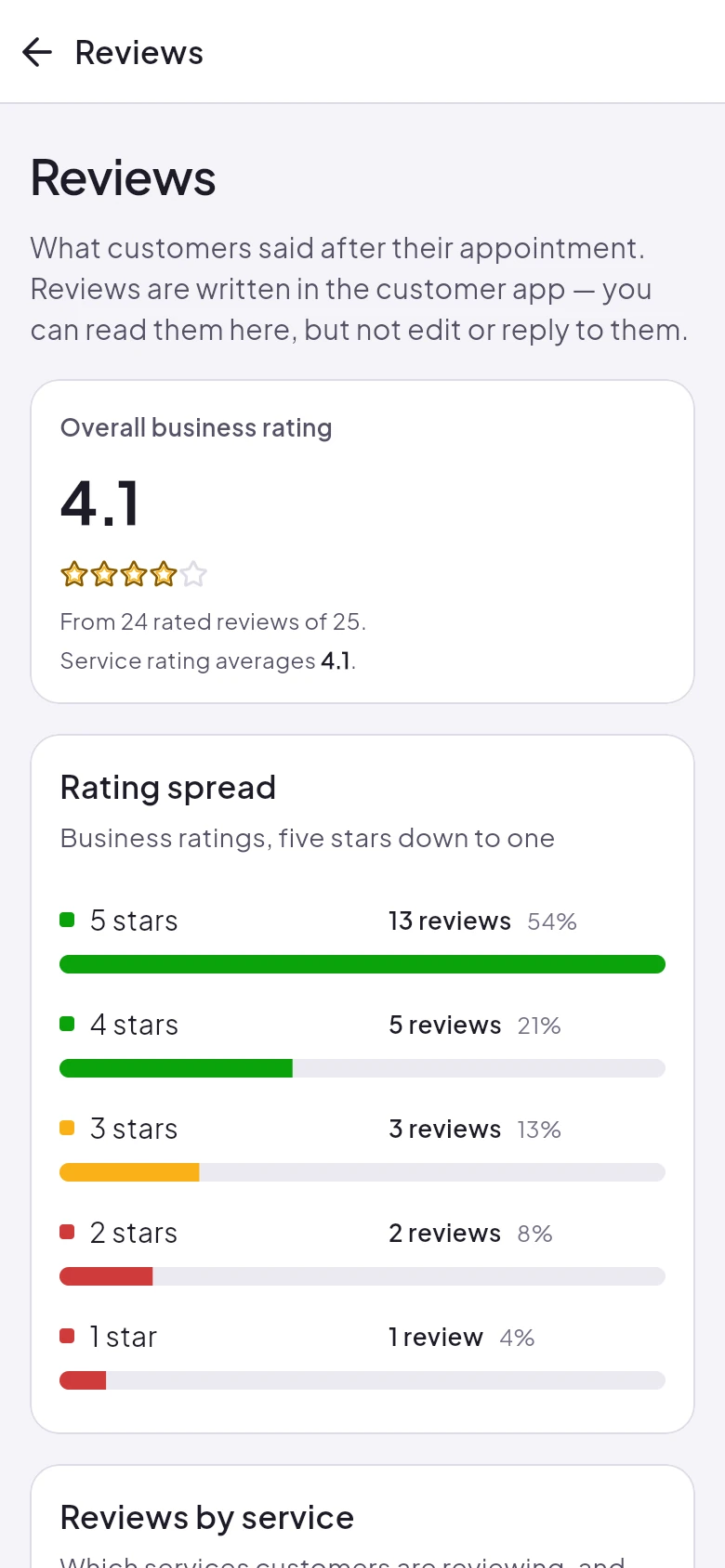
- Read the “Overall business rating”. Under it you see how many rated reviews it is based on.
- Look at the “Rating spread” to see how many reviews gave five, four, three, two and one star.
- See “Reviews by service” to learn which services customers review and how each one scores.
Good to know
- Reviews are written in the customer app. You can read them here, but you cannot edit or reply to them.
- A customer can review a booking that is done, or one you declined. The customer app does not offer a review for a cancelled booking.