This article is about the business app.
Notifications and reminders
What the app tells you about bookings, and the reminders the system sends before an appointment.
Checked against the app on 2026-11-12.
The business app tells you what happens to your bookings.
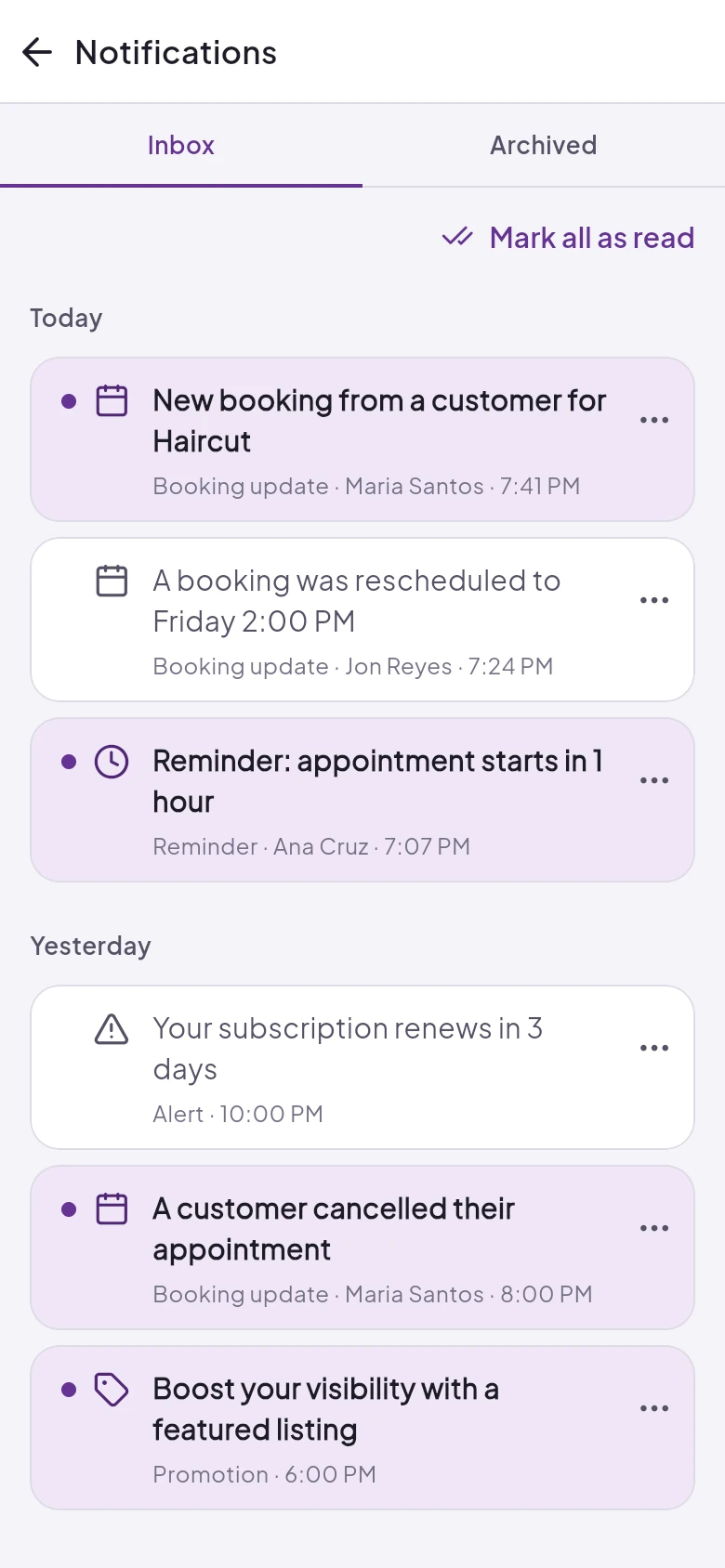
The notifications list
- Tap the bell at the top to open “Notifications”.
- The “Inbox” has the new ones. Tap “Archived” to see the ones you put away.
- Tap “Mark all as read” to clear the unread marks.
- Open the menu of one notification to mark it as read or unread, archive it, or use “Move back to inbox”.
You get a notification when a customer books, moves or cancels an appointment. You also get reminders, and a note before a paid plan ends.
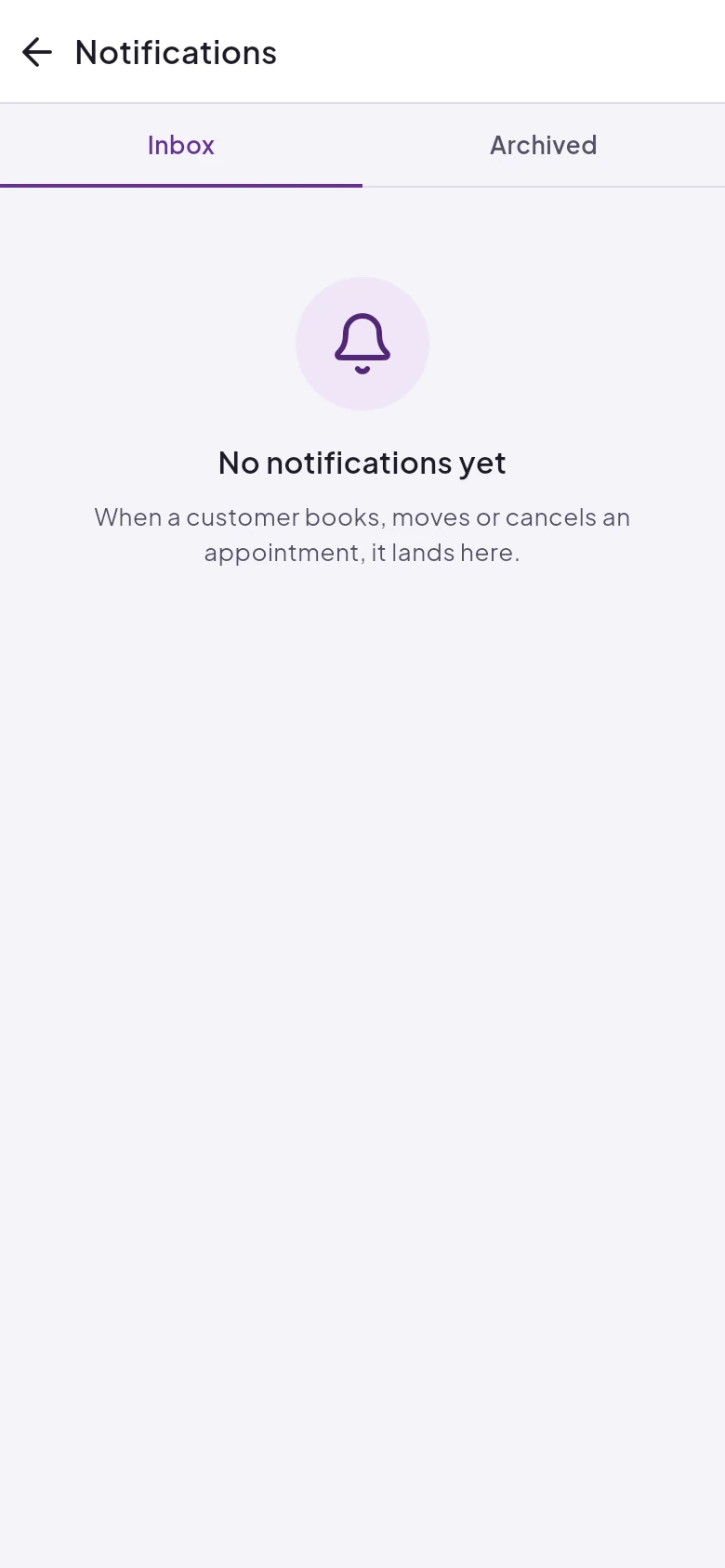
If there is nothing yet, the list says so.
Reminders before an appointment
For a booking that you approved, the system sends you a reminder:
- 24 hours before the start.
- 1 hour before the start.
The reminder says who the customer is, which service it is and when it starts. You get it as a notification in the app and as a push message on your phone. The system does not email you or send a text message for these reminders.
The customer gets the same two reminders.
Plan reminders
The owner is told shortly before a paid plan ends. This happens once for each plan period.