This article is about the business app.
Your name and your business
The first two setup steps, with the rules for names and descriptions.
Checked against the app on 2026-11-12.
The first two setup steps are about you and about your business.
Step 1: You
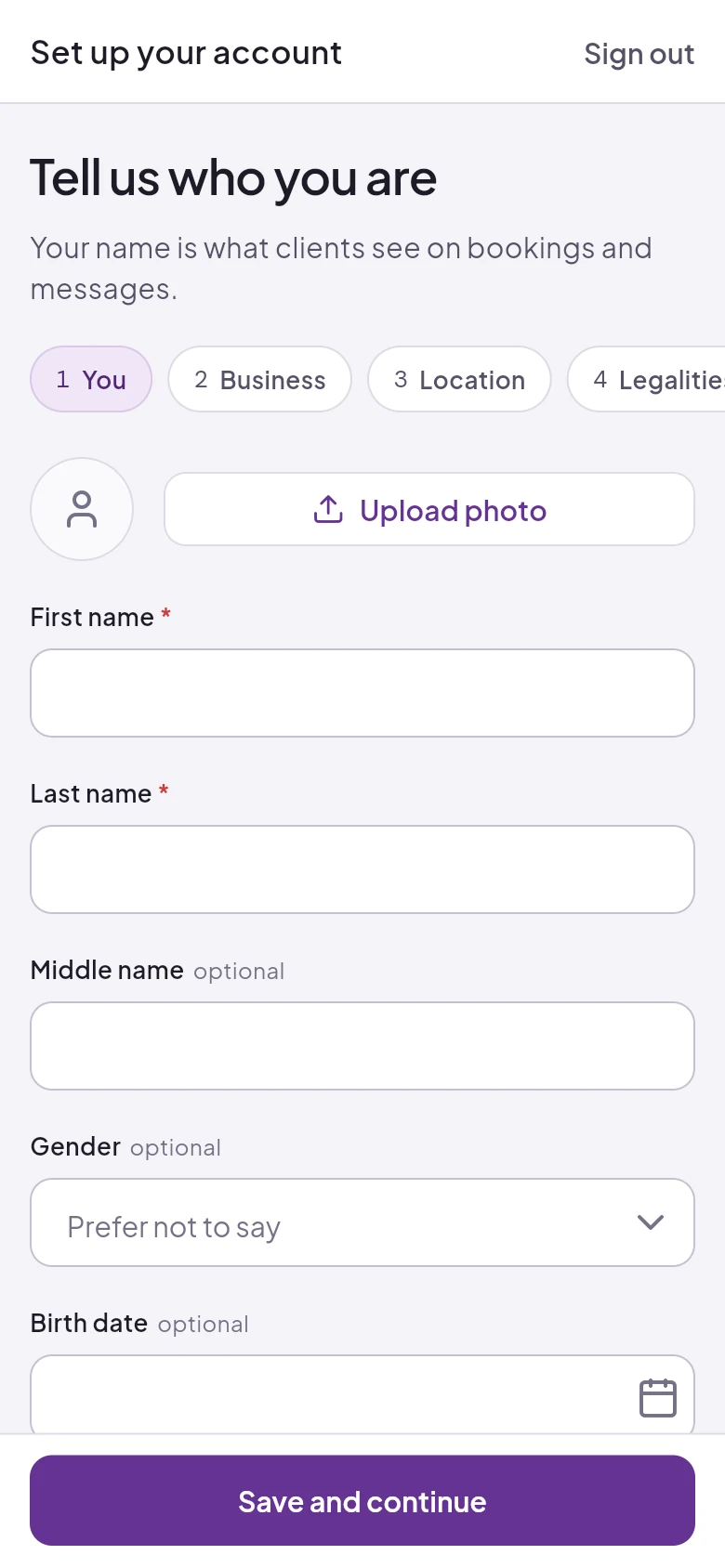
Your name is what clients see on bookings and messages.
- Fill in your “First name” and “Last name”. These are required.
- The middle name, gender, birth date and mobile number are optional. You can add a photo with “Upload photo”.
- Tap “Save and continue”.
Step 2: Business
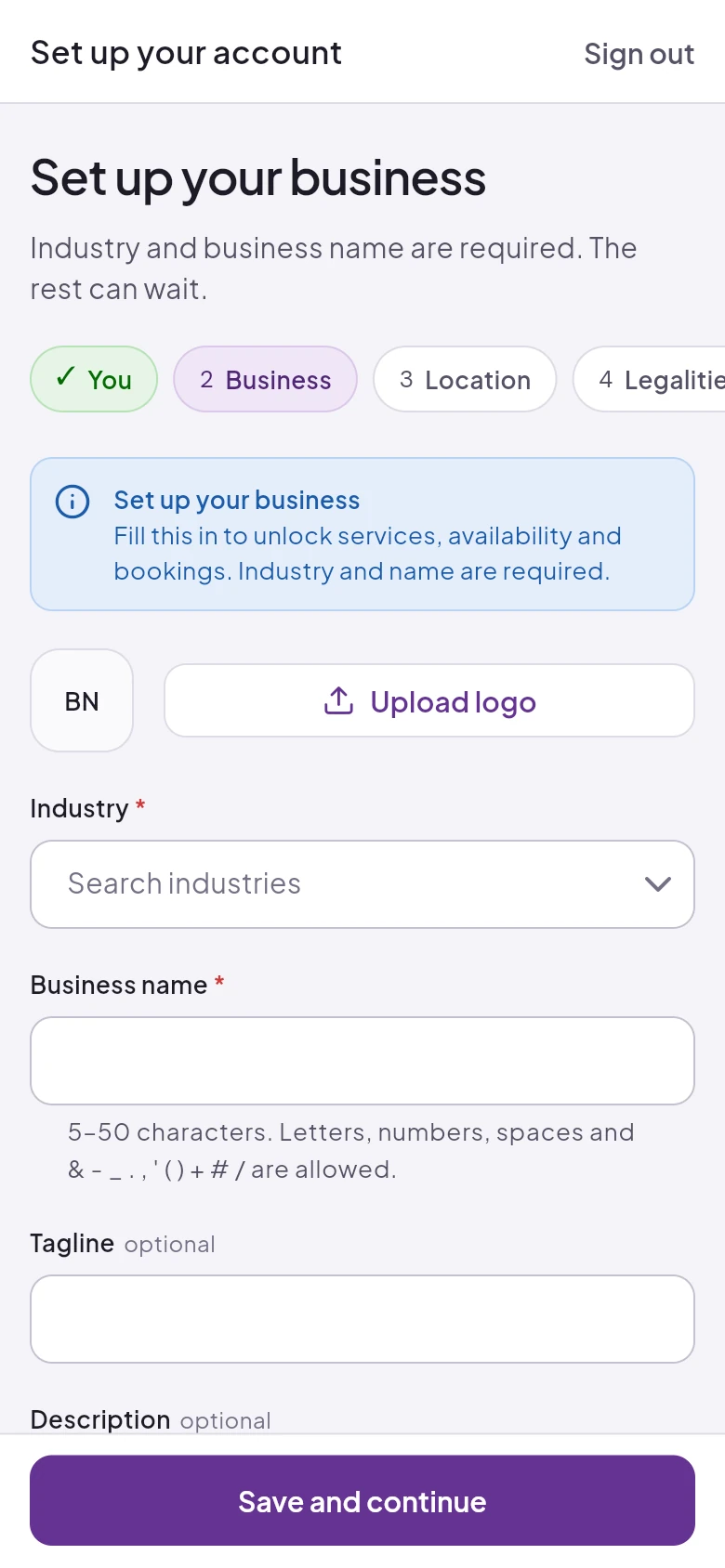
Only the industry and the business name are required. The rest can wait.
- Pick your “Industry”. You can search the list.
- Type your “Business name”. It needs 5 to 50 characters. Letters, numbers, spaces and these marks are allowed: & - _ . , ’ ( ) + # /
- A “Tagline” and a “Description” are optional. If you write one, it needs 5 to 100 characters.
- You can add a logo with “Upload logo”.
- Tap “Save and continue”.