This article is about the business app.
Your own profile and your account
Your name, your email status, your role, and how to delete your account.
Checked against the app on 2026-11-12.
“My profile” is about you, the person using the app. Both owners and team members can open it.
What you see
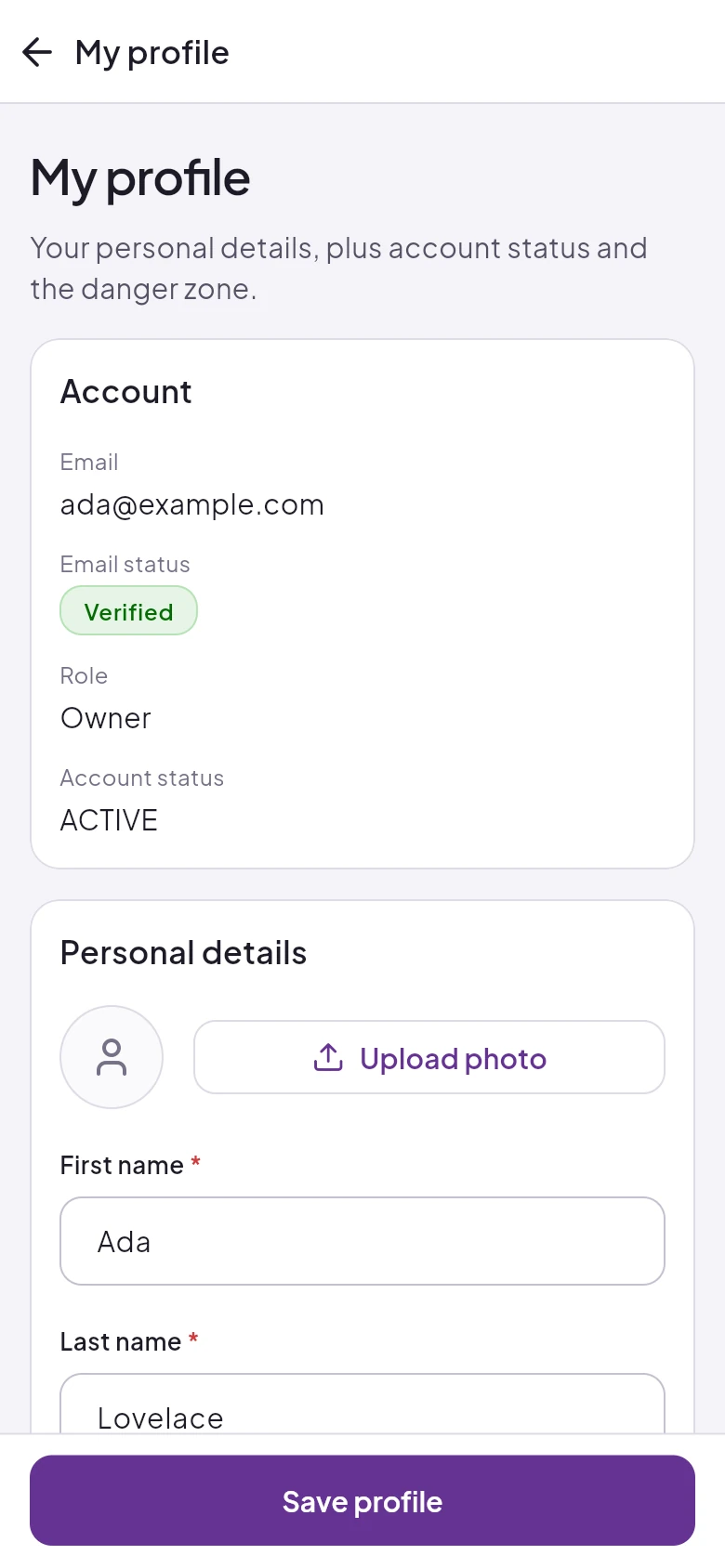
- Account. Your email, “Email status” (Verified or Not verified), your “Role” (Owner or Team member) and your “Account status”.
- Personal details. Your “First name” and “Last name”, and a photo with “Upload photo”.
Steps
- Open My profile from the More menu.
- Change your name or photo.
- Tap “Save profile”.
The danger zone
The page has a “Danger zone” with “Delete account”. The app says that deleting your account cancels active bookings, processes any refunds and removes your business data, and that this cannot be undone. This text is shown to team members too. What the server removes when a team member deletes their own account was not checked, so ask the owner before you delete yours.