This article is about the business app.
Edit your business profile
Change your public details, your address and your verification documents.
Checked against the app on 2026-11-12.
Your business profile holds what customers see about you, where you are, and your verification documents. It is for the owner only.
Steps
- Open Business profile from the More menu. It has three tabs: “Business”, “Location” and “Legalities”.
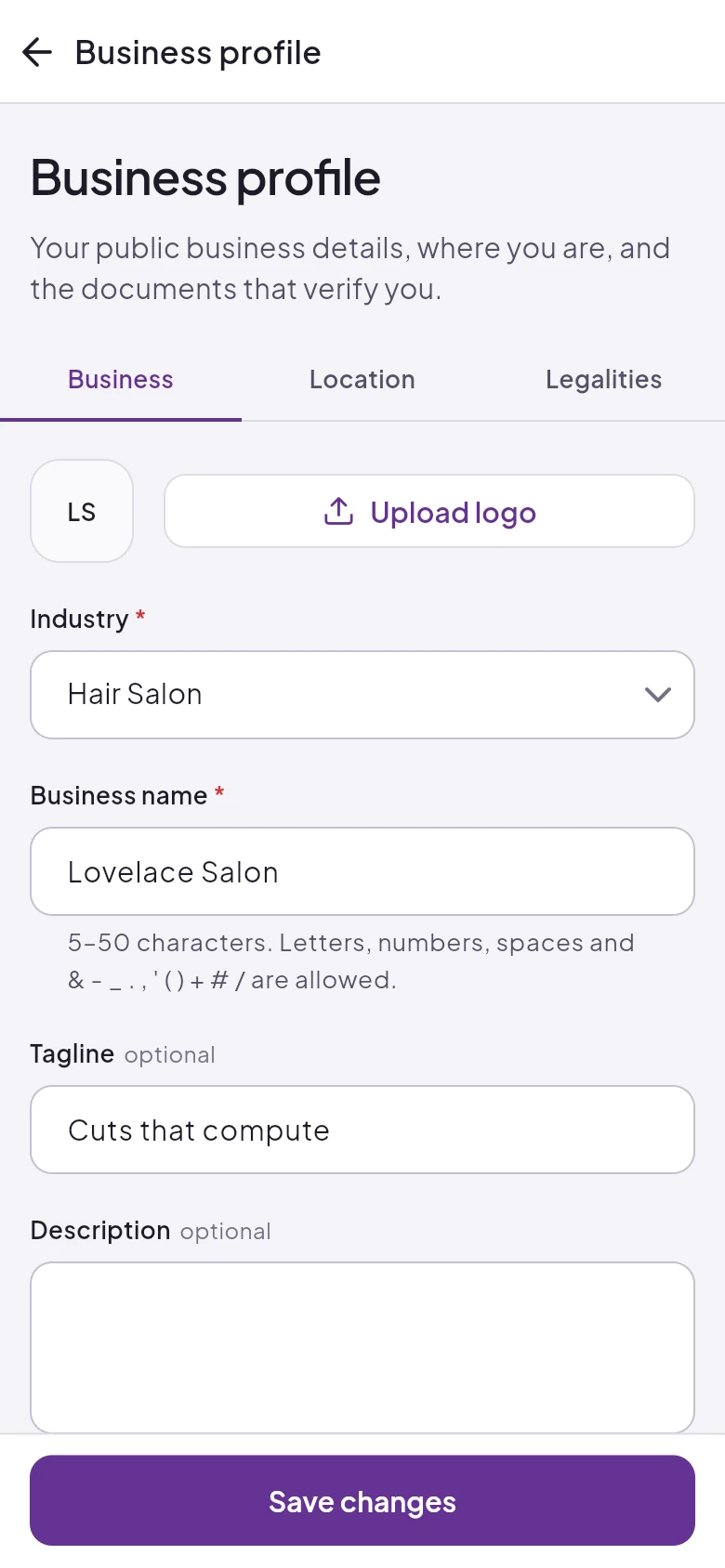
- On “Business”, change the “Industry”, the “Business name”, the tagline, the description and the “Contact email”. The rules are the same as in setup. See Your name and your business. Tap “Save changes”.
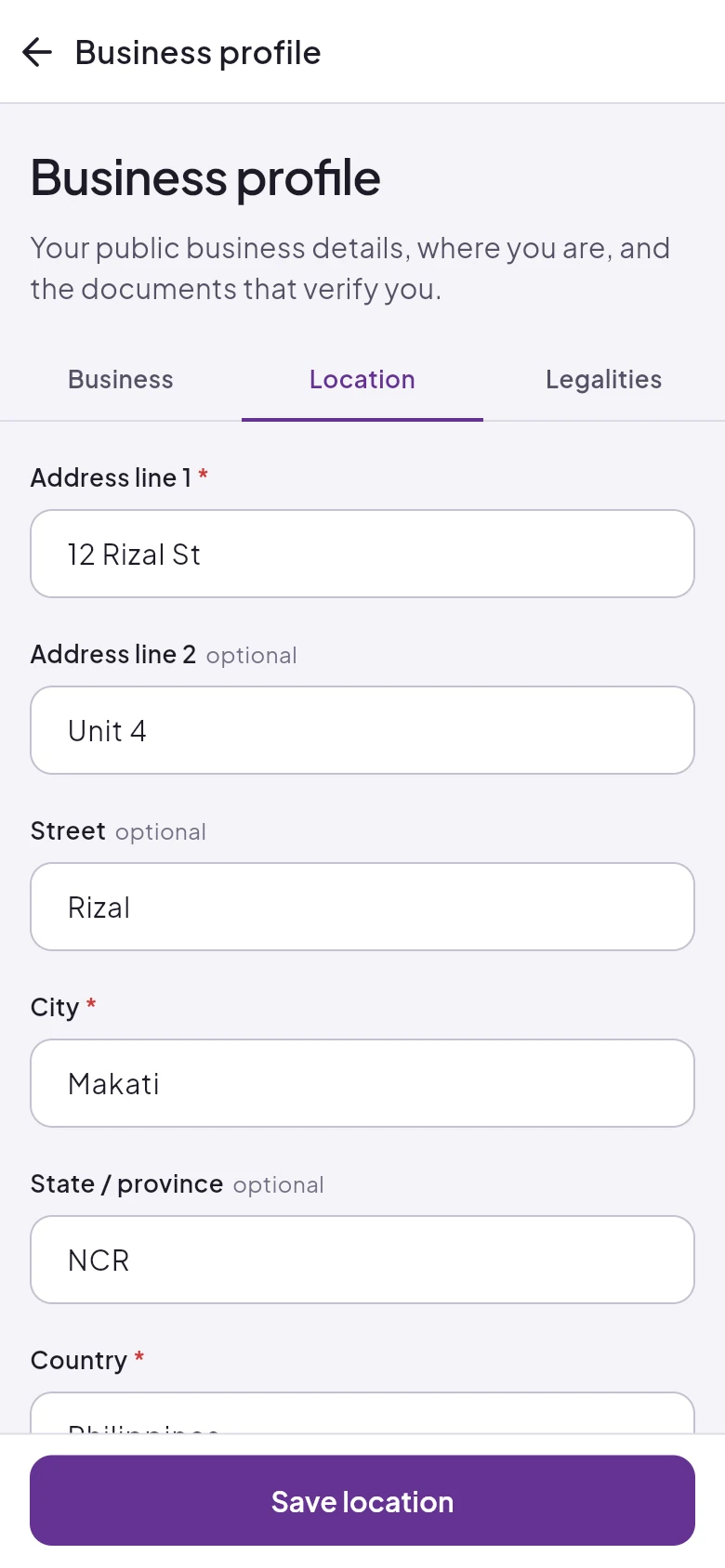
- On “Location”, change the address and the pin, then tap “Save location”. See Your business location.
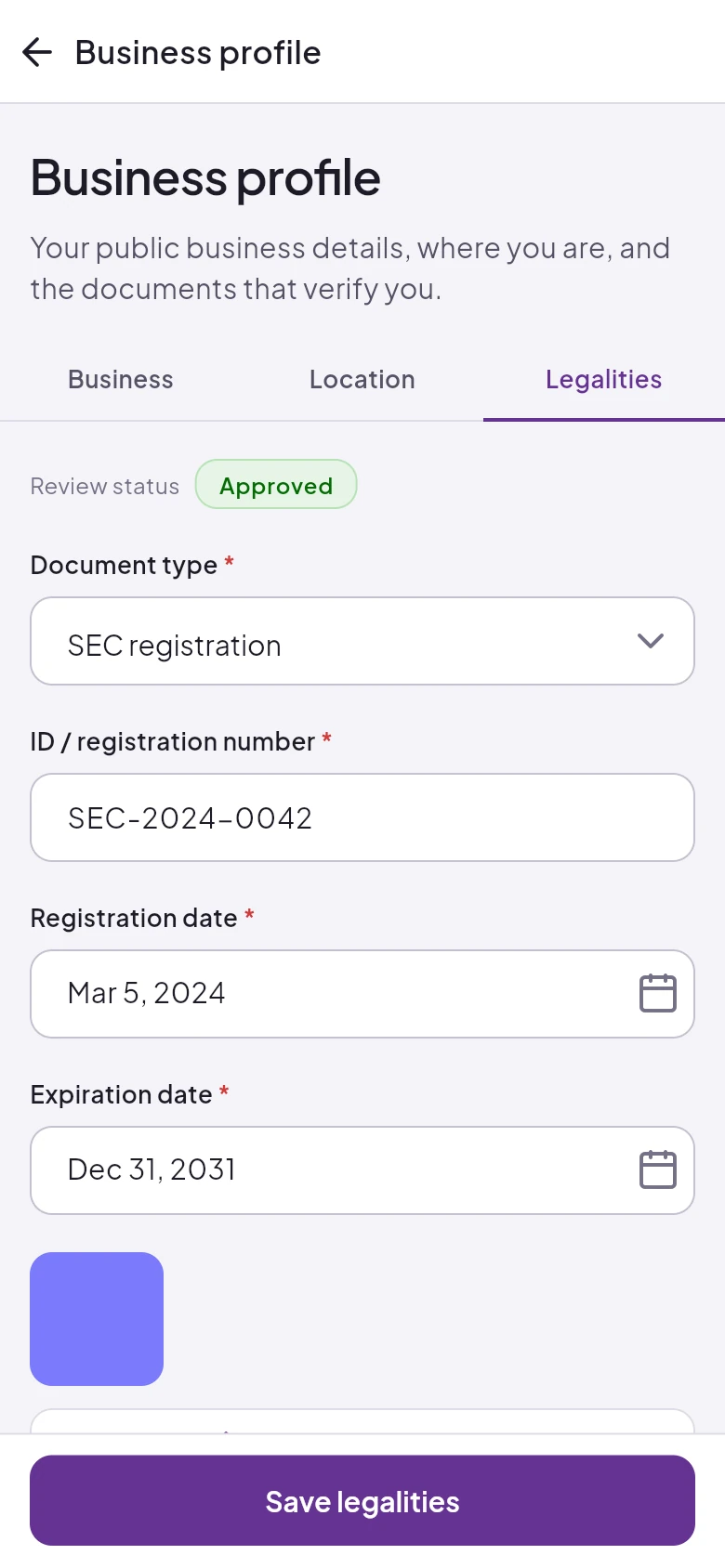
- On “Legalities”, you see the review status of your documents. You can replace the document and tap “Save legalities”. See Verification documents and what each review state means.